How to Find Hidden Cameras with iPhone and Android (2026)

Disclosure: This page contains affiliate links. We may earn a commission at no extra cost to you. We only recommend products we've tested or thoroughly researched. Full disclosure.
Need the full method stack? Start with our How to Find Hidden Cameras: Complete 2026 Detection Guide, then use this page for scenario-specific steps. Need a faster triage flow first? Use How to Check for Hidden Cameras for the 10-minute checklist.
Your phone is a powerful hidden camera detector. Using built-in features like your camera, flashlight, and network scanner, you can spot most surveillance devices within minutes. This guide shows you exactly how to use 7 proven phone-based methods that security experts rely on.
How to Find Hidden Cameras with iPhone: 10-Minute Workflow
If your primary device is an iPhone, use this order for the fastest reliable check:
- Run a flashlight lens sweep first (2-3 min): hold your iPhone at eye level and sweep slowly across mirrors, vents, clocks, smoke detectors, chargers, and wall fixtures.
- Check mirrors and reflective surfaces (1 min): do the fingertip gap test and inspect mirror edges, screws, and trim for pinhole placements.
- Scan local connectivity (2 min): review Wi-Fi and Bluetooth for unknown device names that look like cameras, DVRs, or generic IoT labels.
- Use one detection app (2 min): use app alerts to prioritize physical re-checks, not as standalone proof.
- Finish with physical inspection (2 min): check high-risk locations facing beds, bathrooms, and seating areas.
This iPhone-first flow is effective for most traveler scenarios, but remember the tradeoff: iPhone models generally perform better at reflection/network checks than infrared spotting. If risk is high, follow with a dedicated detector pass.
Quick Upgrade If You Need Better Coverage
If you’re staying in a rental tonight and want a dedicated tool that covers what phone checks miss, start with this pick first.

JMDHKK K18+
Best Phone-to-Detector Upgrade
Adds RF + lens + magnetic detection when phone-only checks are not enough.
- RF + lens + magnetic
- Beginner-friendly controls
- Strong value for travelers
Want more options by budget? See our best hidden camera detectors comparison.
What You’ll Learn
- How to use your phone’s camera to spot invisible infrared lights
- Flashlight techniques that reveal hidden camera lenses instantly
- The best free apps for detecting wireless cameras
- Step-by-step room scanning methods that work in any location
Can Your Phone Camera Actually See Hidden Cameras?
Yes, but it depends on your phone model and the camera type. Most hidden cameras use infrared (IR) LEDs for night vision, which appear as bright white or purple dots on many phone cameras. However, not all phones can detect IR light.
iPhones: Generally cannot see infrared due to built-in IR filters, though the front-facing camera on older models sometimes can. Note: Some newer iPhone models include IR filters that may reduce the effectiveness of this method. This technique works most reliably on older iPhone models and most Android devices.
Android phones: Many can detect IR, especially budget models without advanced filtering. Test yours by pointing a TV remote at your camera in a dark room and pressing buttons - if you see a light, your phone can spot IR cameras.
All phones: Can detect lens reflections, scan Wi-Fi networks, and run detection apps regardless of IR capability.
How Do I Use My Phone’s Flashlight to Find Camera Lenses?
Turn on your phone’s flashlight and slowly sweep it across the room at eye level. Hidden camera lenses reflect light distinctively, appearing as small bright dots or glints even when the camera is powered off.
The reflection technique works because:
- Camera lenses are made of glass or plastic with specific optical properties
- They reflect light differently than other surfaces
- The reflection appears consistent from multiple angles
- It works on both powered and unpowered cameras
Best practice: Dim the room lights and use this method during both day and night. Move your phone slowly - quick sweeps miss small reflections.
Which Apps Actually Help with Detection?
Apps are a useful supplement to your phone’s built-in methods, but they have real limits. No app can detect cameras that are offline, wired, or recording to an SD card. Use apps to scan Wi-Fi networks and guide your sweep — not as standalone proof.
| Method | Wi-Fi Cams | Wired Cams | Powered-Off | Needs App | Reliability |
|---|---|---|---|---|---|
| Flashlight lens sweep | ✓ | ✓ | ✓ | ✗ | High |
| IR camera check | ✓ | ✓ | ✗ | ✗ | Medium |
| Wi-Fi network scan | ✓ | ✗ | ✗ | ✓ | High |
| Bluetooth scan | ✗ | ✗ | ✗ | ✗ | Low |
| Magnetic field app | ✓ | ✓ | ✓ | ✓ | Low |
| RF detector app | ✓ | ✗ | ✗ | ✓ | Low |
The flashlight lens sweep is the most reliable phone method because it works on every camera type — including powered-off and wired cameras — without downloading anything.
For a deeper look at individual apps with ratings and platform-specific recommendations, see our Best Hidden Camera Detector Apps for iPhone & Android.
What’s the WiFi Network Scanning Method?
Open your phone’s WiFi settings and scan for suspicious network names. Hidden cameras often create their own networks with telltale names like “IP_Camera,” “IPCAM,” “Camera_XX,” or random alphanumeric strings.
Step-by-step WiFi scanning:
- Go to WiFi Settings - Access your phone’s network settings
- Scan for Networks - Look for unusual or hidden network names
- Use a Network Scanner App - Fing (free, iOS & Android) lists every device on the network with manufacturer names, making IP cameras easy to spot
- Note Suspicious Names - Anything containing “cam,” “IP,” “surveillance,” or random characters
- Check Device Manufacturers - Camera brands like Hikvision, Dahua, Wyze, or Amcrest appearing on a rental’s WiFi are strong indicators
Red flags to watch for:
- Networks with camera-related names
- Unsecured networks in private spaces
- Multiple networks from the same location
- Networks with unusually strong signals from specific rooms
How Do I Scan for Bluetooth Hidden Cameras?
Enable Bluetooth and scan for unknown devices with camera-related names. Many modern hidden cameras use Bluetooth for setup or data transfer, making them discoverable during scanning.
Bluetooth detection process:
- Clear Known Devices - Temporarily “forget” devices you recognize
- Enable Discovery Mode - Make your phone discoverable
- Scan for New Devices - Look for unfamiliar device names
- Check Device Types - Focus on “camera,” “recorder,” or unknown device types
- Note MAC Addresses - Document suspicious devices for authorities
Common Bluetooth camera names:
- Generic names like “BT_Camera” or “Wireless_Cam”
- Random alphanumeric strings (A1B2C3D4E5F6)
- Manufacturer names (Xiaomi, Wyze, Ring) in unexpected locations
- Devices listed as “Unknown” or “Other”
Can You Hear a Hidden Camera?
Some cameras make faint sounds you can detect in a quiet room. Motorized pan-tilt cameras click softly when adjusting, and cheap cameras may emit a low buzzing from their circuitry.
How to listen effectively:
- Turn off all noise sources — TV, AC, fans, and your phone’s ringer
- Stand still in the center of the room for 30 seconds
- Move slowly toward suspicious objects, listening for faint clicks or electrical hums
- Pay extra attention to smoke detectors, clocks, and USB chargers
Reality check: Most modern spy cameras are completely silent, so don’t rely on this method alone. Use it as a quick supplement before or after your phone-based electronic sweep.
What Are the Most Common Hiding Spots to Check First?
Focus your search on areas with clear lines of sight to private spaces. Hidden cameras need good viewing angles, power sources, and concealment - this limits their placement options significantly.
Priority locations (check first):
Power-dependent spots:
- Electrical outlets and extension cords
- USB chargers and power adapters
- Smoke detectors and carbon monoxide alarms
- Digital clocks and electronic devices
Line-of-sight positions:
- Picture frames facing beds or bathrooms
- Stuffed animals or decorative objects at eye level
- Air vents and HVAC returns with room views
- Lamps, especially those with adjustable heads
Recently disturbed areas:
- Objects that seem out of place
- Items positioned at unusual angles
- New decorations or electronics
- Freshly painted or patched walls
Step-by-Step Phone Detection Process
Follow this systematic approach to scan any room thoroughly in under 10 minutes:
- Prepare Your Phone — Close unnecessary apps, turn on airplane mode (WiFi still enabled), and ensure full battery
- Quick Listen — Turn off all noise sources and listen for 30 seconds for faint clicks or buzzing near suspicious objects
- Initial Visual Scan — Look for obvious cameras, new objects, or anything out of place before using detection methods
- IR Camera Check — Turn off lights, use your phone’s camera to scan for IR lights (if your phone supports IR detection)
- Flashlight Sweep — Turn on flashlight and slowly scan all surfaces at eye level looking for lens reflections
- Network Scanning — Check WiFi networks and Bluetooth devices for suspicious names or new connections
- App-Based Detection — Run 2-3 detection apps and note any alerts or readings in specific areas
- Physical Inspection — Manually check high-probability locations found during electronic scanning
Time allocation:
- Visual scan: 1-2 minutes
- IR detection: 2-3 minutes
- Flashlight sweep: 2-3 minutes
- Network/Bluetooth: 1-2 minutes
- App scanning: 2-3 minutes
- Physical check: 3-5 minutes
When Your Phone Isn’t Enough
Phone detection methods are a great starting point, but they have real limitations — phones can’t detect RF signals, their IR detection is inconsistent across models, and they miss professionally installed cameras. For complete protection, combine phone methods with a room sweep using professional tools.
Phone not cutting it? We tested 6 dedicated detectors across real hotel rooms and Airbnbs to find out which ones actually work. See our 6 Best Hidden Camera Detectors (2026) — Tested & Ranked.
For reliable detection, consider a dedicated device:
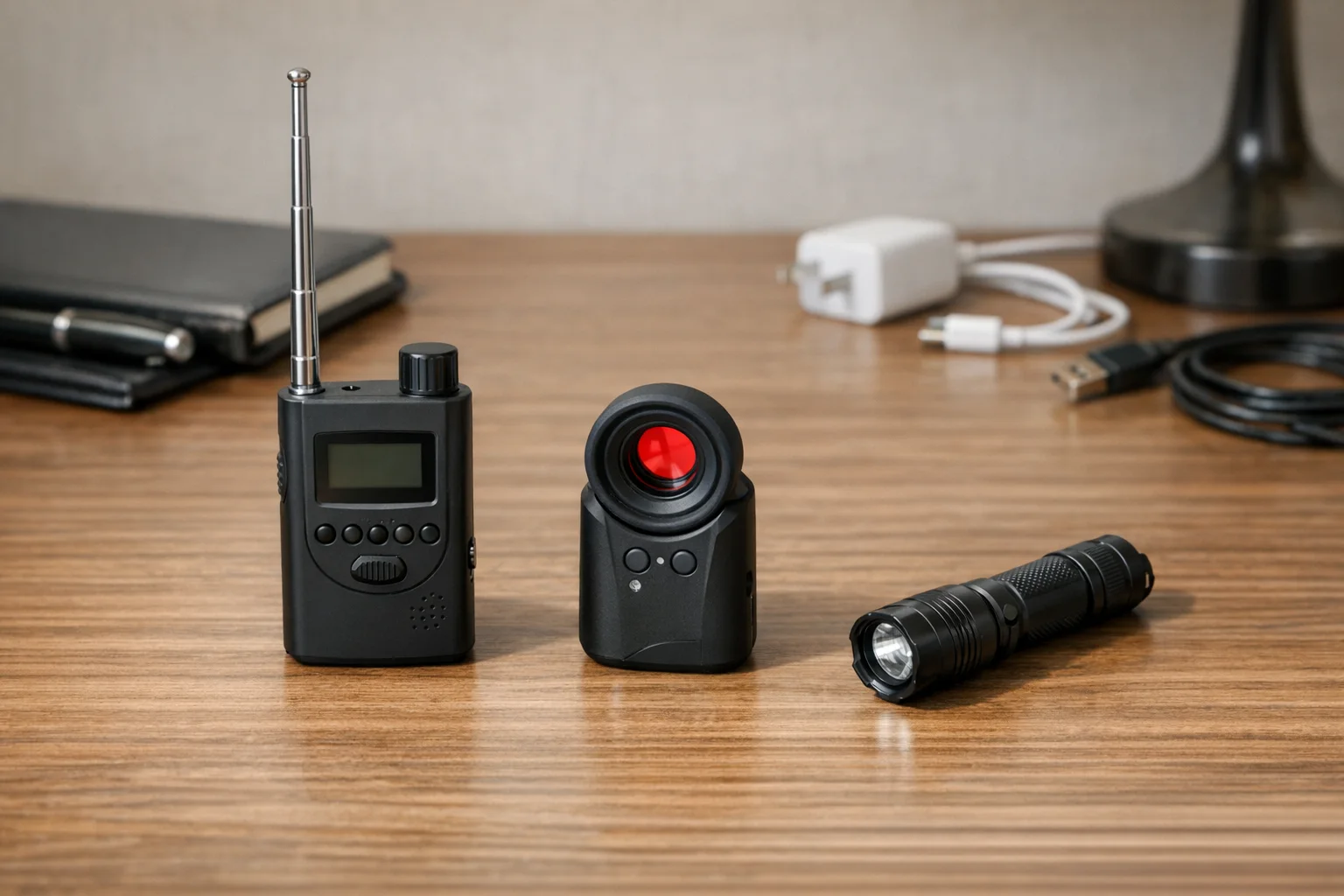
TensaOne Pen-Style Detector
Most Portable
Pen-sized design fits in any pocket, 20–45 hour battery life, combines RF scanning with visual lens detection
Compare price and specs
Aroeally 4-in-1 Detector
Best Value Upgrade
RF detection + lens finder + magnetic sensor + flashlight in one compact device — covers every detection method your phone can't
Compare price and specsiPhone vs Android: Which Is Better for Detection?
Android has one advantage: better infrared detection. Many Android cameras lack the IR filters built into iPhones, so they can spot infrared night-vision LEDs that iPhones miss. Test yours by pointing a TV remote at your camera in a dark room — if you see a flash, your phone can detect IR cameras.
iPhone excels at flashlight sweeps and network scanning. The flashlight lens sweep technique works identically on every iPhone because it relies on physics (light reflection), not software. And both platforms run Fing equally well for Wi-Fi device discovery.
Best approach if you have both: Use an Android phone for the IR camera scan, then either platform for flashlight sweeps, Wi-Fi scans, and physical inspection.
What to Do Next
Your phone is a strong first line of defense, but it has blind spots. Phone methods miss professionally installed wired cameras, cameras recording to SD cards without transmitting, and well-shielded devices in thick housings.
If you travel frequently or stay in rentals, a dedicated detector closes those gaps:
JMDHKK K18+
Best Phone-to-Hardware Upgrade
Adds RF scanning and lens detection when phone methods aren't enough.
- RF + lens + magnetic
- Beginner-friendly controls
- Strong value for travelers

SpyFinder Pro
Best Premium Lens Detection
High-confidence optical detection for frequent travelers who need a reliable sweep.
- Excellent lens reflection detection
- Low false positives
- Travel-proven build quality
Not sure which type of detector to buy? See RF Detector vs Lens Finder for a side-by-side comparison.
Related Guides
Smart Picks
Smart Picks for This Guide
We curated this short shelf from high-performing recommendations for faster buying decisions.
SpyFinder Pro
Most accurate lens detection
Best when you need confident detection of hidden wired and non-transmitting devices.
- Consistent lens performance
- Clear pass/fail indicator
- Strong build quality
JMDHKK K18+
Most complete detection method
Four detection modes for quick room sweeps in hotels, Airbnbs, and rentals.
- RF + lens + magnetic + audio
- Affordable
- Simple sensitivity controls
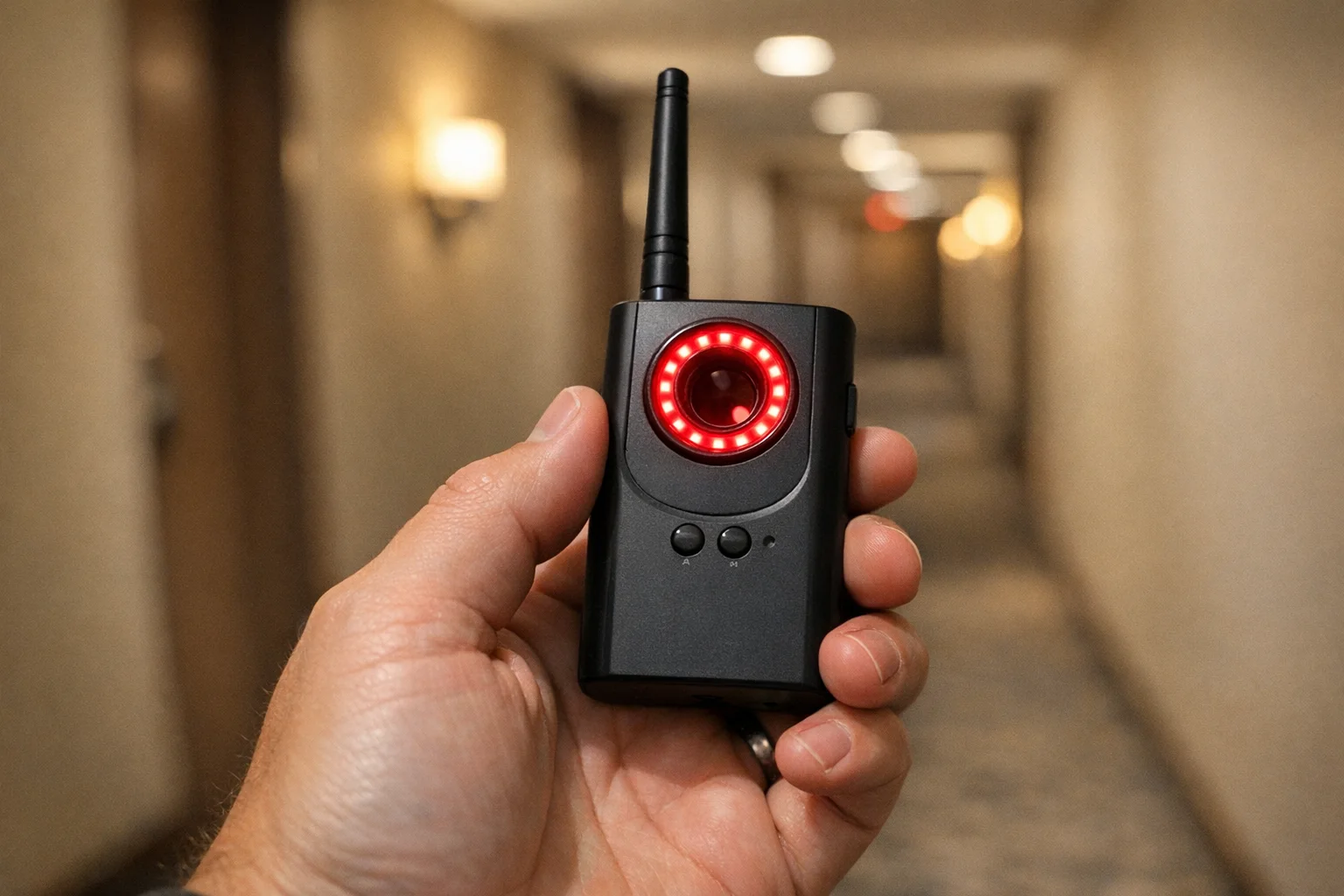
Navfalcon 2025 RF Detector
Best value RF upgrade
Higher sensitivity for RF-focused scans and fewer misses on battery-powered units.
- Improved RF filtering
- Longer scan reach
- Budget-sensitive option
We earn commissions from qualifying Amazon purchases. Full disclosure.
Get the free checklist
Printable hidden camera detection checklist + gear deals. Free, no spam.
Free updates. Unsubscribe anytime.
Frequently Asked Questions
Can I really detect hidden cameras with just my phone?
How do I find a hidden camera with iPhone?
What is the most reliable phone method for finding hidden cameras?
Do all phones work for hidden camera detection?
Where should I look first when checking for hidden cameras?
What should I do if I find a hidden camera?
Can I hear a hidden camera if I listen carefully?
Does the iPhone flashlight trick work for finding cameras?
Is Fing the best app for detecting hidden cameras on WiFi?
What's the difference between using an iPhone and Android to find hidden cameras?
What to Do Next
Related Guides
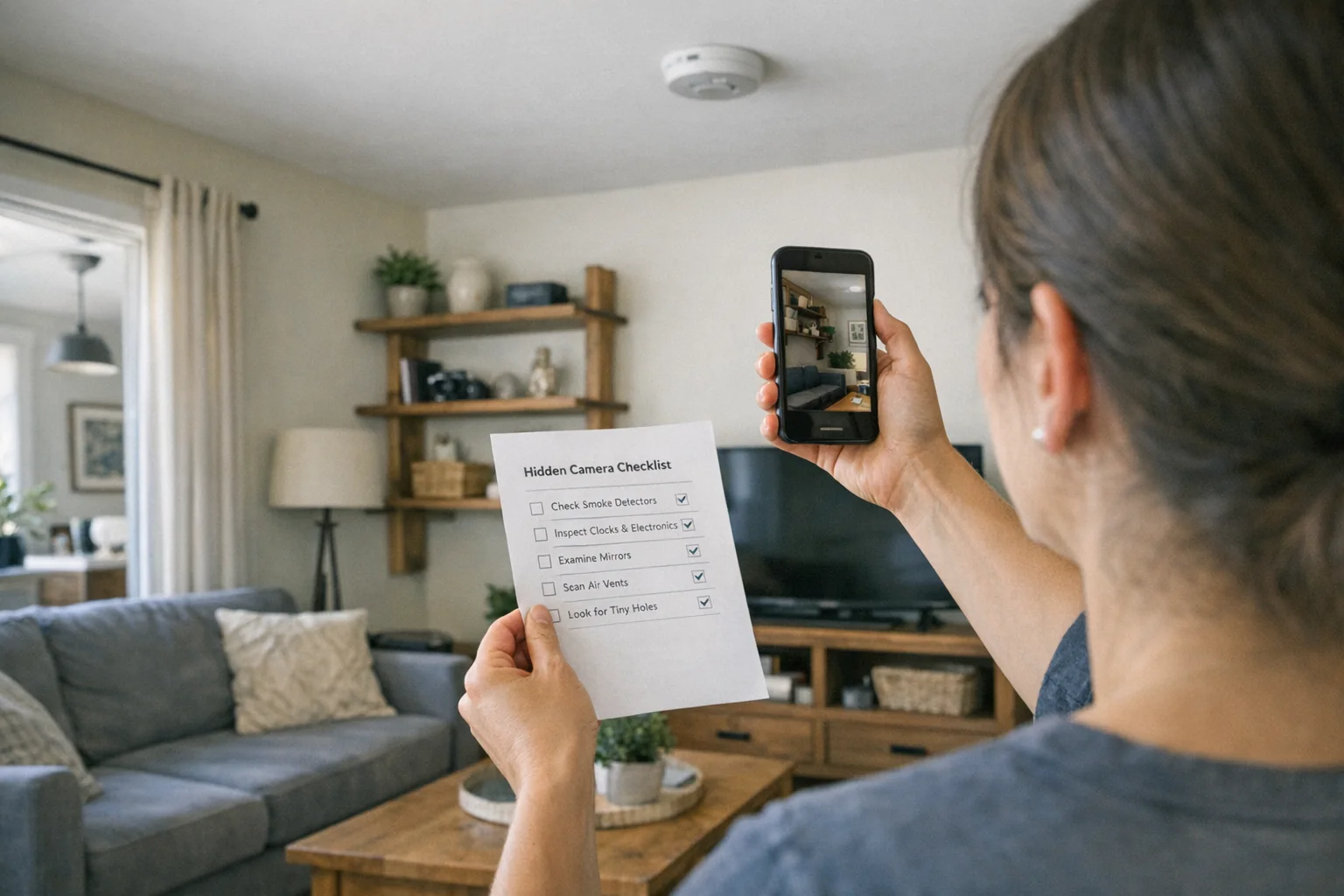
Best Hidden Camera Detector Apps (2026): iPhone & Android
The best hidden camera detector apps for iPhone and Android — what they find, what they miss, and when to upgrade to dedicated hardware.
Read guide
Workplace Surveillance Detection in Your Home Office (2026)
Methods to identify covert workplace monitoring at home, from software logs to unusual network activity and hidden devices, while protecting your privacy.
Read guide
How to Find Leftover Surveillance Devices in a New Home
Learn a complete sweep workflow for new spaces to find hidden cameras and trackers, verify suspicious devices, and act safely within your legal rights.
Read guide