RF Detector vs Lens Finder: We Tested Both (2026 Results)
Disclosure: This page contains affiliate links. We may earn a commission at no extra cost to you. We only recommend products we've tested or thoroughly researched. Full disclosure.
Need the full method stack? Start with our How to Find Hidden Cameras: Complete 2026 Detection Guide, then use this page for scenario-specific steps.
Quick answer: RF detectors only find wireless cameras that are actively transmitting, while lens finders detect both wired and wireless cameras by spotting reflections from camera lenses.
Hidden cameras come in two main varieties: wireless devices that transmit signals and wired cameras that store footage locally or stream through cables. This fundamental difference determines which detection method you need.
Fast Recommendation (If You Need to Buy Today)
If you want a quick answer before reading the full guide:
- Choose a lens-first option for hotel and Airbnb sweeps.
- Choose an RF-first option when you care about wireless signals and trackers.

SpyFinder PRO
Best Lens-First Pick
Best for finding wired and non-transmitting cameras in private spaces.
Compare price and specs
JMDHKK K18+ RF Detector
Best RF-First Pick
Strong all-around entry option for RF signals plus lens checks.
Compare price and specsFor more tested options by budget and use case, see Best Hidden Camera Detectors 2026.
The Core Difference: Signal vs Optics
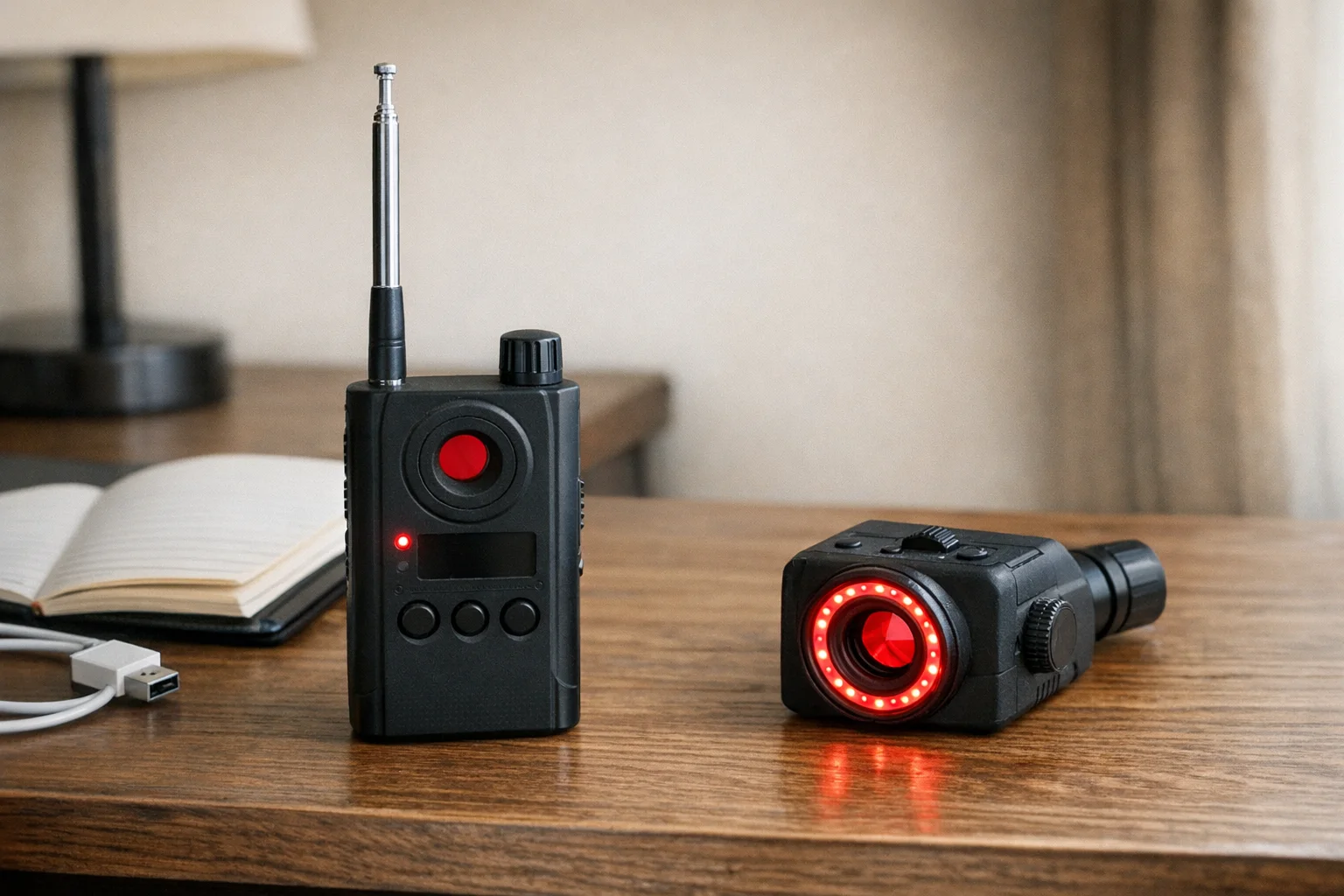
RF detectors scan for radio frequency signals emitted by wireless cameras, GPS trackers, and listening devices. They’re like digital bloodhounds sniffing for electromagnetic signatures in the 10MHz to 10GHz range.
Lens finders use infrared LEDs to illuminate camera lenses, making them sparkle like tiny mirrors when viewed through the device’s viewfinder. This optical method works regardless of whether the camera is powered on or transmitting.
When RF Detectors Excel
Wireless Camera Detection
RF detectors shine at finding cameras that stream footage to remote locations. These devices constantly transmit data, creating detectable radio signatures that RF scanners can pick up from several feet away.
Best scenarios for RF detection:
- Airbnb and rental properties (often use WiFi cameras)
- Office surveillance sweeps
- Car bug detection
- Finding GPS trackers
- Detecting wireless audio bugs
Range and Convenience
Professional RF detectors can identify signals from 10-15 feet away, letting you sweep large areas quickly. The audio and vibration alerts mean you don’t need constant visual attention on the device. The JMDHKK K18+ is the best example in this category — it combines strong RF range with four detection methods at a budget price.
When Lens Finders Win
Complete Coverage
Lens finders detect every camera type: wireless, wired, powered-off, or even dummy cameras. If it has a lens, this method will spot it. The SpyFinder Pro is the gold standard here — in our tests it found every camera we planted, including ones hidden in smoke detectors and picture frames.
Lens finders excel at:
- Hotel room checks (often wired cameras)
- Bathroom and changing room sweeps
- Finding cameras in electronics or appliances
- Spotting dormant or motion-activated cameras
- Detecting old analog surveillance systems
No False Positives from Electronics
RF detectors can trigger on WiFi routers, baby monitors, and other legitimate electronics. Lens finders only respond to actual camera optics, eliminating confusion.
The Limitations You Need to Know
RF Detector Blind Spots
- Wired cameras: Completely invisible to RF detection
- Powered-off devices: No signal means no detection
- Local storage cameras: SD card cameras that don’t transmit
- Motion-activated cameras: Only detectable when actively recording
- False alarms: WiFi, Bluetooth, and other electronics trigger alerts
Lens Finder Constraints
- Line of sight required: Can’t detect cameras behind walls or inside sealed containers
- Manual scanning: You must physically look through the viewfinder and sweep methodically
- Lighting dependent: Works best in dim conditions; bright ambient light can wash out lens reflections
- Requires proximity: Most effective within 2-6 feet of the target
Professional vs Budget Options
RF Detection Price Ranges
- Basic RF detectors ($30-60): Limited frequency range, simple audio alerts
- Mid-range devices ($60-120): Extended frequency coverage, sensitivity adjustment
- Professional RF detectors ($150-400): Wide spectrum coverage, frequency analysis, directional finding
Lens Finder Investment
- Budget optical detectors ($40-80): Basic LED illumination, simple viewfinder
- Professional lens finders ($100-250): Adjustable LED intensity, enhanced optics, better range
Best RF Detectors
JMDHKK K18+ RF Detector
Best Budget RF
External antenna for superior range, detects 1MHz–8GHz signals including Wi-Fi cameras and GPS trackers
Compare price and specs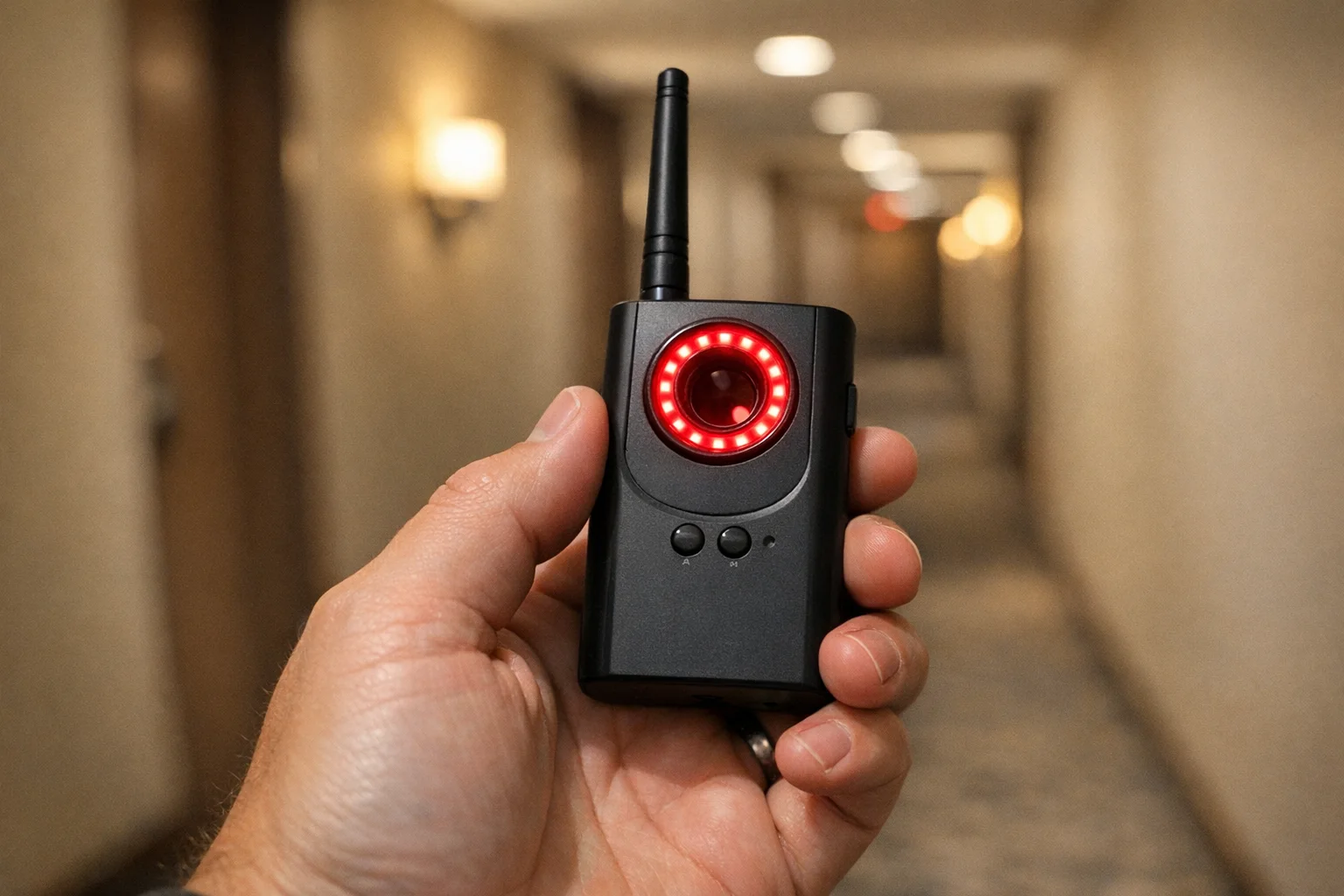
Navfalcon 2025 RF Detector
Best Mid-Range RF
Higher sensitivity with advanced false-positive filtering — worth the step up if accuracy matters most
Compare price and specsBest Lens Finders
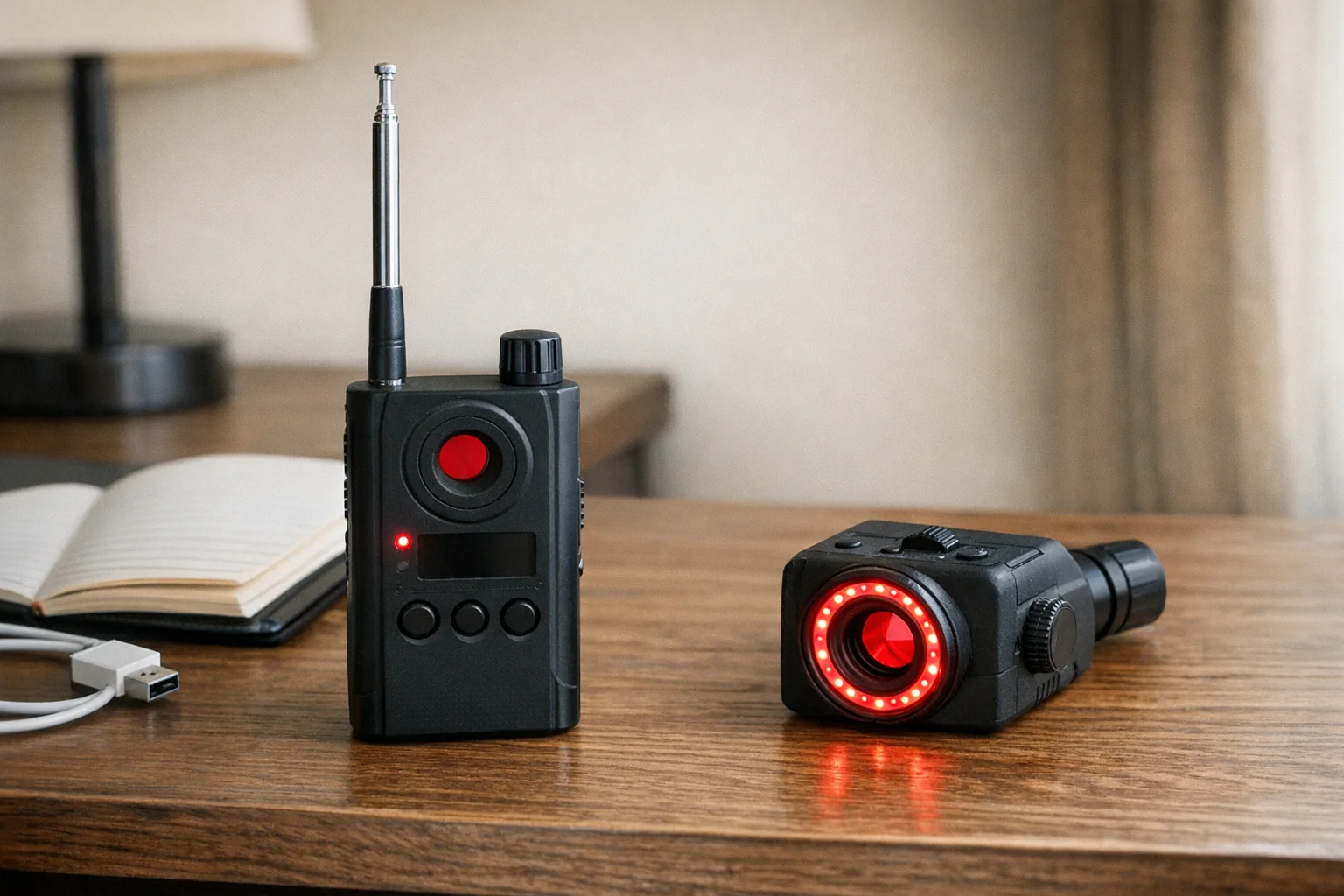
Mic-Lock Camera Finder Pro
Best Budget Lens Finder
Dedicated optical lens detection with LED viewfinder — finds cameras that RF detectors miss entirely
Compare price and specs SpyFinder PRO
Best Overall Lens Finder
Patented optical sparkle technology, pocket-sized, requires no technical expertise to use effectively
Compare price and specsSide-by-Side Comparison
| Feature | RF Detector | Lens Finder |
|---|---|---|
| Detects wireless cameras | ✅ Yes | ❌ No |
| Detects wired cameras | ❌ No | ✅ Yes |
| Detects turned-off cameras | ❌ No | ✅ Yes (lens still reflects) |
| False positive rate | Higher (picks up all RF) | Lower (visual confirmation) |
| Ease of use | Moderate (requires frequency tuning) | Easy (point and look) |
| Best environment | Hotels, Airbnbs, offices | Changing rooms, bathrooms |
| Price range | $25–$200 | $25–$50 |
| Learning curve | Medium | Low |
| Detection range | 10–15 feet (from signal) | 2–6 feet (line of sight) |
| Works through walls | Partial (frequencies vary) | No (requires sight line) |
| Battery life | 15–40 hours typical | 10–30 hours typical |
| Portability | High (pocket-sized) | High (very compact) |
| Professional grade versions | $150–$400+ | $100–$250+ |
| Best for beginners | Moderate difficulty | Easiest to use |
| Best for coverage | Wider area sweeping | Thorough spot checking |
Use Case Scenarios
Different situations call for different tools. Here’s how to choose based on your specific scenario:
“I’m checking an Airbnb or hotel room”
Best choice: RF Detector
Rationale: Most hidden cameras in rental properties are WiFi-connected, making them detectable by RF scanning from several feet away. You can sweep the entire room quickly without examining every object closely. The convenience factor is huge when you’re tired from travel and just want to check your room before settling in.
Quick process: Walk through the room with RF detector on high sensitivity. Any hits get marked for visual inspection with a flashlight.
”I’m in a changing room or bathroom”
Best choice: Lens Finder
Rationale: These spaces are specifically targeted by voyeurs, who often use wired cameras to avoid WiFi detection. A lens finder lets you systematically check all common hiding spots—mirrors, hooks, vents, fixtures—without drawing attention. The low false-positive rate means you only investigate actual camera lenses, not every light source.
Quick process: Dim the lights, use the lens finder’s LED to scan smoke detectors, light fixtures, and mirror frames. The sparkle pattern is unmistakable when you spot a real lens.
”I’m moving into a new home”
Best choice: Both methods
Rationale: A new residence deserves comprehensive security assessment. Previous owners, contractors, or maintenance workers may have left devices. RF detection catches any active surveillance, while lens finding reveals dormant cameras left behind.
Complete sweep: RF detector first to map any active devices and frequencies, then lens finder for room-by-room thorough checking of common hiding spots. Combine both for complete peace of mind in a new space.
”I travel frequently”
Best choice: Combination device or RF detector + smartphone lens finder app
Rationale: Frequent travelers need convenience and broad coverage. A combination detector handles 90% of scenarios. For maximum portability, RF detector in your bag plus a smartphone app for lens-finding creates a lightweight solution that covers both methods.
Travel strategy: Quick RF sweep upon arrival at any accommodation, follow up with physical inspection if any signals detected.
”I’m concerned about domestic abuse or stalking”
Best choice: Both methods, professional equipment
Rationale: Abusers often use wired devices or SD-card cameras to avoid network detection. You need comprehensive coverage. Professional-grade equipment provides better sensitivity and reliability. Consider hiring professional counter-surveillance if you suspect sophisticated surveillance.
Safety consideration: Gather evidence carefully and with support from domestic violence advocates. Your safety is more important than finding every device.
”I’m a security professional doing a property sweep”
Best choice: All available tools
Rationale: Professional security requires methodical documentation and comprehensive coverage. Layer RF detection, lens finding, network scanning, and physical inspection to provide ironclad evidence that the property is clean.
Can I Use Both? Why Serious Users Own One of Each
Yes, and serious privacy-conscious people should own both. Here’s why:
Complementary Coverage
RF detectors and lens finders detect completely different surveillance methods:
- RF detectors catch cameras that are actively transmitting — the cameras the installer intended you to find (if they’re confident about their connection)
- Lens finders catch cameras hidden with wires or offline storage — the cameras designed to avoid network detection
Most professional surveillance uses a combination approach. Wise users counter with a combination approach too.
Practical Workflow
Professional counter-surveillance follows this pattern:
-
RF sweep first (5-10 minutes)
- Walk through with detector on high sensitivity
- Mark any signal sources for investigation
- Covers large areas quickly
- Identifies active threats
-
Lens finder sweep second (15-30 minutes)
- Methodical room-by-room examination
- Focus on identified hot spots plus common hiding areas
- Provides visual confirmation of threats
- Catches dormant or wired devices missed by RF
-
Investigate all hits
- Any RF alert gets visual confirmation
- Any lens reflection gets physical inspection
- Document findings with photos
- Determine legitimacy of detected devices
Cost-Benefit Analysis
- Budget option: Single quality lens finder ($40-80) covers most civilian threats
- Standard option: One RF detector ($40-80) plus one lens finder ($40-80) = $80-160 total
- Combo option: Single combination device ($80-150) trades some quality for convenience
- Professional option: Dedicated professional RF detector ($150-300) plus professional lens finder ($150-250) = $300-550 total
For regular travelers or property owners, the $80-160 investment in both tools provides confidence and irrefutable evidence of security.
Real-World Scenarios Where Both Matter
Scenario 1: Airbnb with wired cameras
- RF detector finds nothing (wired, no transmission)
- Lens finder spots camera lens in smoke detector
- Both methods together catch what one alone misses
Scenario 2: Hotel with hidden WiFi surveillance
- Lens finder finds nothing (carefully hidden)
- RF detector alerts to WiFi device in wall cavity
- Both methods together catch what one alone misses
Scenario 3: Domestic surveillance situation
- Abuser uses mix of wireless cameras (monitored remotely) and wired cameras (recorded locally)
- RF detector catches wireless component
- Lens finder catches wired component
- Comprehensive evidence for law enforcement and court proceedings
Combination Devices: Best of Both Worlds?
Many modern detectors combine RF and lens detection in one device. The Defender EZ 10GHz and SpyFinder Pro are popular examples offering both methods.
Combination device pros:
- Single device covers all camera types
- More cost-effective than buying separate tools
- Convenient for travel
Potential drawbacks:
- May compromise on the quality of each detection method
- More complex operation
- Higher failure risk (two systems in one device)
How to Choose Your Detection Method
For Most People: Start with Lens Detection
If you’re checking hotel rooms, Airbnbs, or suspicious areas occasionally, a quality lens finder provides the broadest protection. Most hidden cameras in accommodation are wired systems that RF detectors miss entirely.
For Security Professionals: Dual Approach
Professional sweeps require both methods. RF detection for initial wide-area scanning, followed by methodical lens finding for comprehensive coverage.
For Frequent Travelers: Combination Device
A compact dual-function detector offers the best balance of coverage and portability for regular use.
Detection Strategy That Actually Works
Step 1: RF sweep the entire area first
- Walk through with RF detector on high sensitivity
- Mark any signal sources for investigation
- Note false positives from known electronics
Step 2: Methodical lens scanning
- Dim the lights for better lens reflection visibility
- Systematically scan suspicious locations
- Focus on common hiding spots: smoke detectors, picture frames, electronics
Step 3: Investigate alerts
- Any RF hit gets visual confirmation
- Any lens reflection gets physical inspection
- Check if devices have legitimate purposes
Common Hiding Spots by Detection Method
RF Detectors Excel At Finding:
- Wireless cameras in common areas
- Devices hidden in walls or ceilings
- Cars bugs and GPS trackers
- Cameras streaming to external locations
Lens Finders Catch:
- Bathroom cameras (usually wired)
- Bedroom surveillance (often local storage)
- Cameras inside electronics or appliances
- Motion-activated security cameras
The Verdict: Which Do You Need?
Choose RF detection if:
- You primarily worry about wireless surveillance
- You need to sweep large areas quickly
- You’re concerned about GPS tracking or audio bugs
- You want maximum detection range
Choose lens finding if:
- You stay in hotels or rentals frequently
- You need to detect all camera types
- You prefer minimal false alarms
- You can invest time in methodical scanning
Choose both if:
- You want complete protection
- You’re a security professional
- You can afford combination devices
- Maximum peace of mind is worth the investment
Quick Buy Paths
- Need the most reliable lens-first option: SpyFinder PRO on Amazon
- Need balanced value with RF support: JMDHKK K18+ on Amazon
- Want a wider shortlist before deciding: Best Hidden Camera Detectors 2026
Which Should You Buy?
If budget allows: Get one of each. RF detectors and lens finders complement each other perfectly—RF catches wireless threats at range, while lens finders catch everything else. Together, they provide complete coverage.
If choosing only one:
- Choose an RF detector if you’re checking rental properties, Airbnbs, and hotels. Wireless cameras are the most common threat in accommodation settings.
- Choose a lens finder if you’re concerned about changing rooms and bathrooms. These spaces typically use wired cameras or well-concealed devices that RF detection misses.
The hybrid approach: If budget is limited, start with a lens finder for immediate protection, then add RF detection once you can afford it. Lens finders provide broader coverage across camera types, while RF detectors are more specialized for wireless threats.
Frequently Asked Questions
What’s the difference between RF detectors and lens finders?
RF detectors find cameras that transmit wireless signals, while lens finders spot camera lenses using infrared light reflection. RF detectors miss wired cameras; lens finders catch everything but need direct line of sight.
Can RF detectors find cameras that are turned off?
No, RF detectors only work on cameras actively transmitting signals. Powered-off or wired cameras won’t show up on RF detection.
Do I need both an RF detector and lens finder?
For complete coverage, yes. RF detectors excel at finding wireless cameras from a distance, while lens finders catch wired cameras and devices that aren’t currently transmitting.
Which is better for hotel rooms?
Lens finders are often more effective in hotels since many hidden cameras are wired into the electrical system and won’t show up on RF detection.
How much should I spend on a detector?
Basic RF detectors start around $30-50, while professional lens finders cost $80-200. Combination devices offering both methods typically range from $60-150.
Your Next Steps
Start with understanding what you’re protecting against. Casual privacy invasion typically uses cheap wireless cameras that RF detectors catch easily. Professional surveillance often employs wired systems that only lens finders detect.
For most people, a quality lens finder provides the broadest protection against the cameras you’re most likely to encounter. Add RF detection when you need to sweep large areas or detect wireless devices specifically.
Remember: No single detection method catches everything. The most effective approach combines both technologies with systematic searching and healthy skepticism about your environment. For a broader four-method framework (RF, lens, thermal, and phone-first checks), see our detection methods comparison guide.
If you travel frequently, use this decision model together with our BBC 2026 hotel spycam case analysis to understand why hardwired installations change your tool priorities.
Related Guides
Smart Picks
Smart Picks for This Guide
We curated this short shelf from high-performing recommendations for faster buying decisions.
SpyFinder Pro
Most accurate lens detection
Best when you need confident detection of hidden wired and non-transmitting devices.
- Consistent lens performance
- Clear pass/fail indicator
- Strong build quality
JMDHKK K18+
Most complete detection method
Four detection modes for quick room sweeps in hotels, Airbnbs, and rentals.
- RF + lens + magnetic + audio
- Affordable
- Simple sensitivity controls
Navfalcon 2025 RF Detector
Best value RF upgrade
Higher sensitivity for RF-focused scans and fewer misses on battery-powered units.
- Improved RF filtering
- Longer scan reach
- Budget-sensitive option
We earn commissions from qualifying Amazon purchases. Full disclosure.
Get the free checklist
Printable hidden camera detection checklist + gear deals. Free, no spam.
Free updates. Unsubscribe anytime.
Frequently Asked Questions
What's the difference between RF detectors and lens finders?
Can RF detectors find cameras that are turned off?
Do I need both an RF detector and lens finder?
Which is better for hotel rooms?
How much should I spend on a detector?
What to Do Next
Related Guides
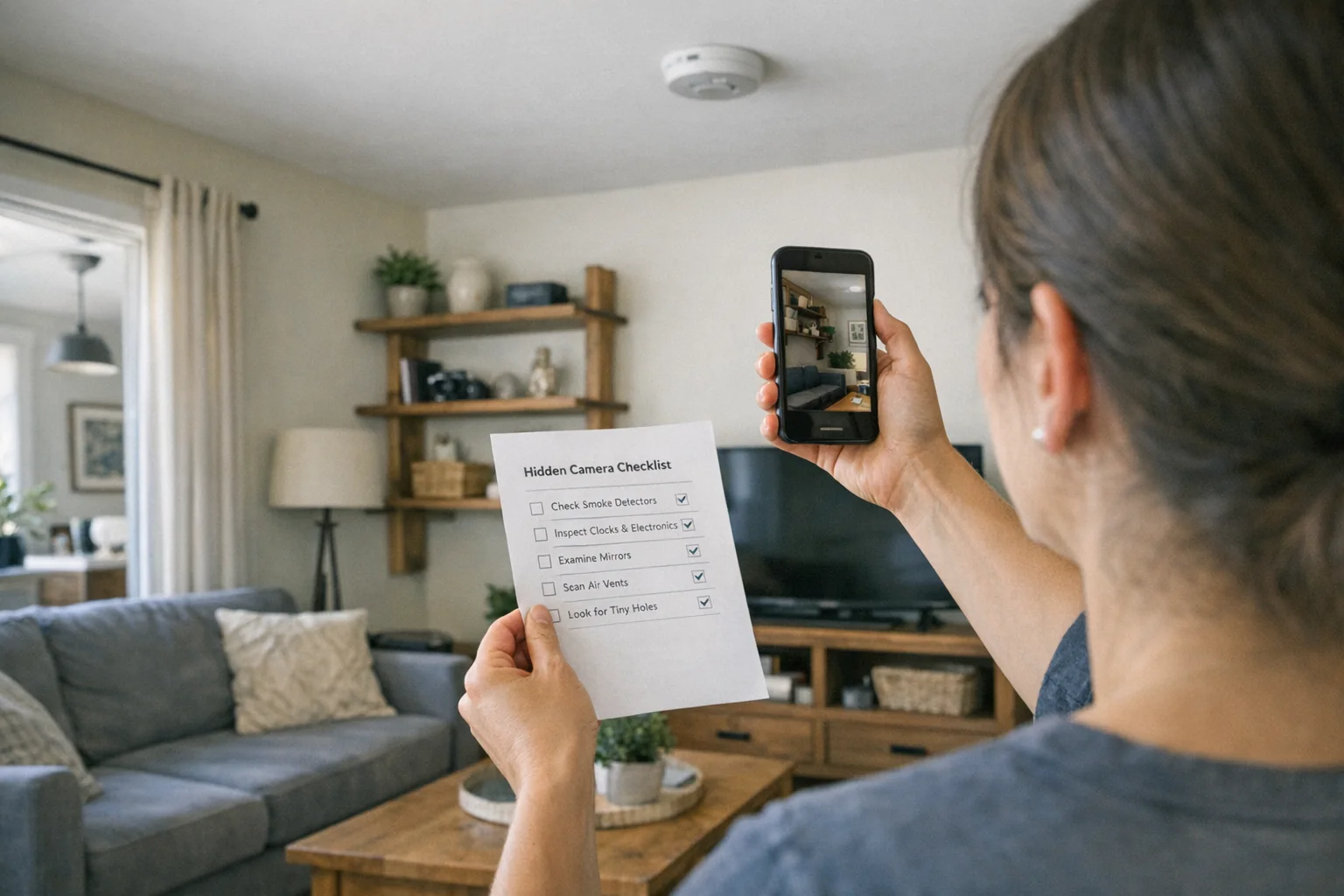
Best Hidden Camera Detector Apps (2026): iPhone & Android
The best hidden camera detector apps for iPhone and Android — what they find, what they miss, and when to upgrade to dedicated hardware.
Read guide
Workplace Surveillance Detection in Your Home Office (2026)
Methods to identify covert workplace monitoring at home, from software logs to unusual network activity and hidden devices, while protecting your privacy.
Read guide
How to Find Hidden Cameras with iPhone and Android (2026)
Use your iPhone or Android to detect hidden cameras with built-in tools. Step-by-step: flashlight sweep, IR check, WiFi scan, and when to upgrade to gear.
Read guide