How to Tell If a Smoke Detector Has a Camera
Disclosure: This page contains affiliate links. We may earn a commission at no extra cost to you. We only recommend products we've tested or thoroughly researched. Full disclosure.
If you searched how to tell if a smoke detector has a camera, the short answer is this: treat every detector as normal until it fails a quick checklist. You are not trying to prove a conspiracy. You are trying to spot objective signs that something is off, then escalate cleanly if needed.
Smoke detectors are common camera hiding spots because they already sit high, have power nearby, and naturally face the room. The good news is that most suspicious units reveal themselves through small physical clues when you check methodically.
1) Fast Answer: What to Check in 60 Seconds
Stand in the doorway and focus on line-of-sight to private areas. Then ask:
- Is the detector pointed unusually toward a bed, shower, or dressing area?
- Does it have a tiny dark pinhole that looks like a lens instead of a vent?
- Does one detector look different from others in the same unit?
- Do you see odd seams, glue marks, or a recently disturbed mounting plate?
If all four checks look normal, risk is lower. If one or more fail, move to the deeper inspection steps below.
2) Visual Signs: Real Detector vs Camera-Modified Detector
A real smoke detector has a consistent design language: venting pattern, test button, LED behavior, and predictable casing seams. A modified unit often introduces details that do not belong.
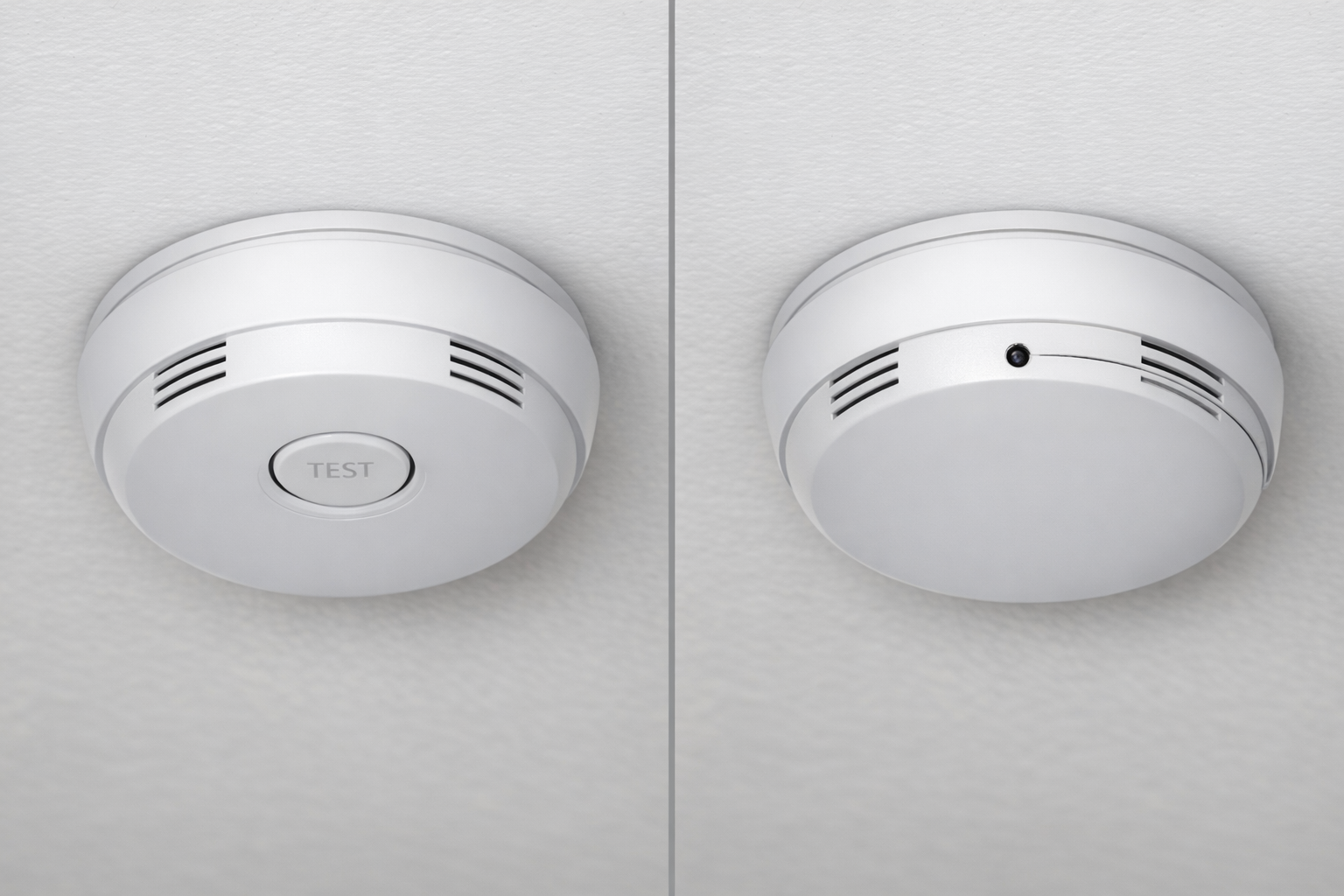
What normal usually looks like
- Even vent slots distributed around the housing
- A clearly placed test/hush button
- No glassy pinhole aimed downward
- Uniform plastic tone and screw alignment
What suspicious often looks like
- Tiny lens-like dot (usually 1-3mm) where no sensor should be
- Off-center opening that seems designed for viewing angle
- One detector model that does not match others nearby
- Casing seams that look pried open or re-sealed
A single clue is not proof. Multiple clues in one fixture are your decision trigger.
3) Safe Physical Inspection Workflow
Do not remove the detector unless you are authorized and safe to do so. Use non-destructive checks first:
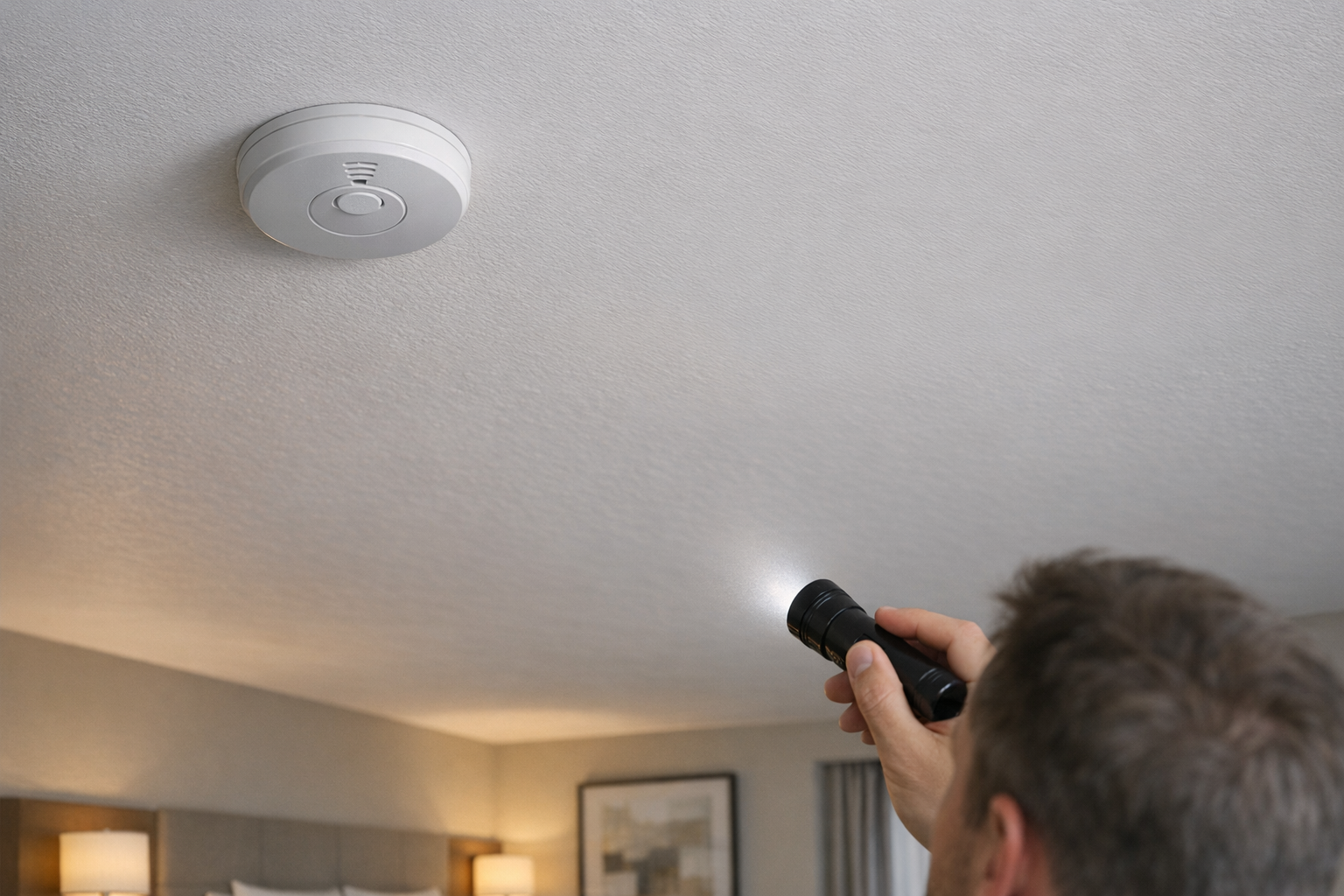
- Use your phone zoom and flashlight from below.
- Scan edges for pry marks, glue, or uneven fit.
- Compare against another detector in hallway/common area if possible.
- Check whether the detector location makes safety sense or only camera sense.
A true alarm is usually mounted for smoke coverage, not for direct surveillance angle. If the placement strongly favors viewing private zones, treat that as a high-weight signal.
4) Phone-Based Checks (Reflection, IR, and Network Sanity)
Phone checks are useful for fast triage and should be combined, not used alone.
Flashlight reflection pass
Darken the room, hold your light near eye level, and sweep slowly across the detector face. Camera lenses often bounce back a sharp, repeatable glint.
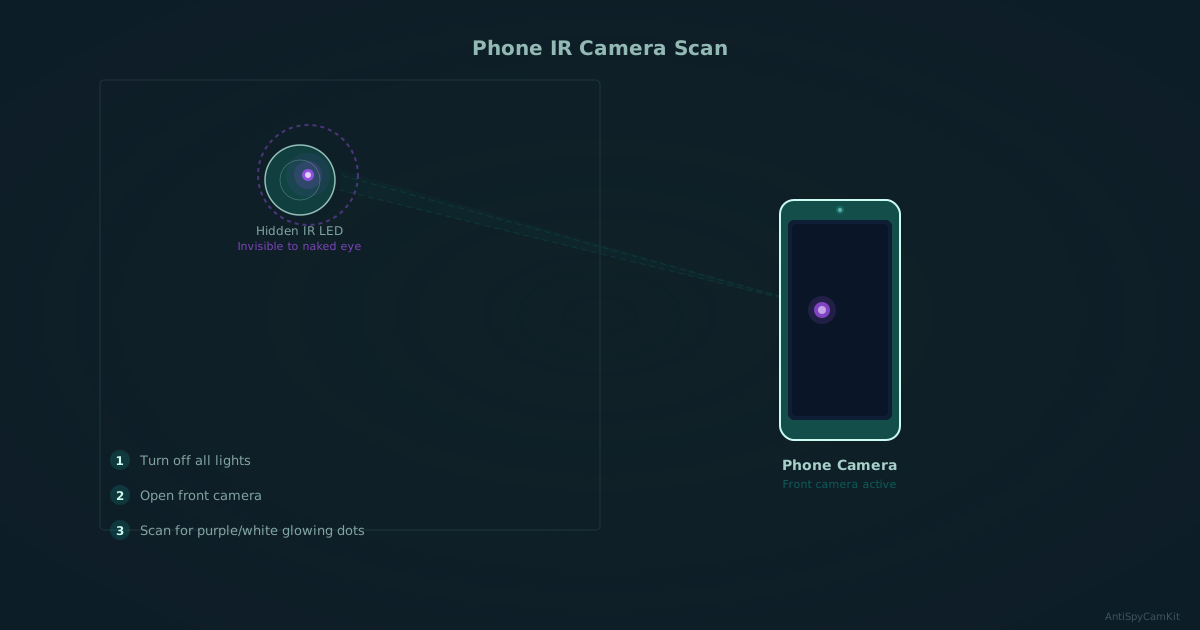
IR check in low light
Some hidden cameras use night-vision IR. In the dark, scan with your phone camera and look for faint white or purple dots that are invisible to your eyes.
Network sanity check
If you can access local Wi-Fi, run a quick device scan and note unknown camera-like device names. This does not prove a detector is clean, but it can add supporting context.
For the full workflow, use our phone detection guide.
5) When to Use a Detector (Escalation Logic)
Escalate to dedicated hardware if:
- You found repeated visual anomalies on the same fixture.
- You are in a high-risk context (rental, short stay, vulnerable travel).
- Phone checks are inconclusive but concern remains high.
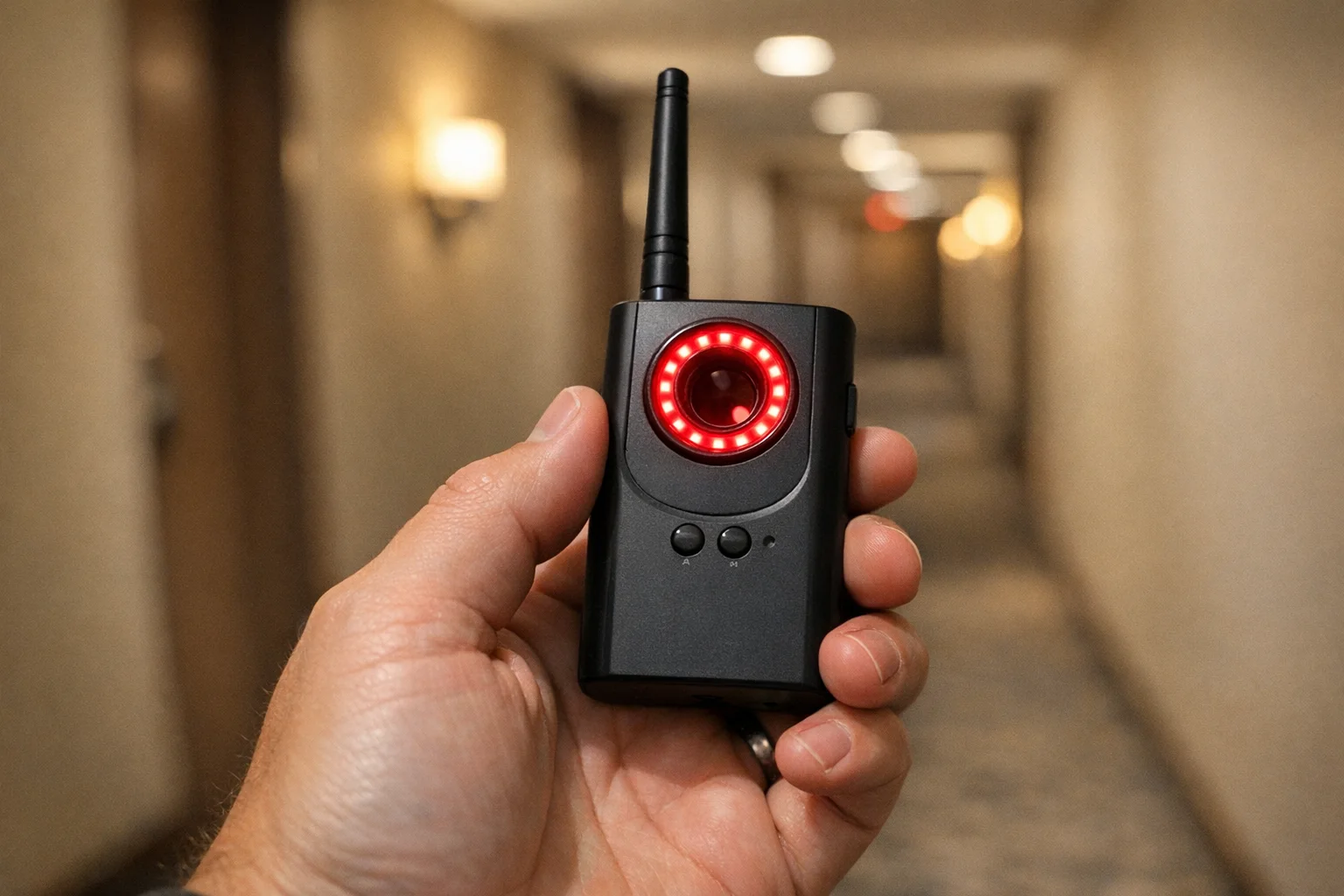
Lens-first tools are strongest when you need certainty about hidden optics, including wired setups that RF-only scans may miss. If you want a complete buying breakdown, use the money page: Best Hidden Camera Detectors (2026).
If you want certainty, use a lens finder.

SpyFinder Pro
Best certainty pick (lens-first)
Best when you want high-confidence lens detection in smoke detectors and other fixed fixtures.
- Lens-first detection
- Strong for wired/non-transmitting threats
- Reliable travel workflow

JMDHKK K18+
Best value mixed-method pick
Good entry option if you want RF, lens, and magnetic checks in one travel-friendly device.
- RF + lens + magnetic
- Good starter upgrade from phone-only checks
- Balanced value
If you want the full intake protocol before buying tools, run the hotel room sweep guide.
6) What to Do If a Smoke Detector Looks Suspicious
- Do not tamper with or remove the fixture.
- Photograph it in place from multiple angles.
- Capture context shots showing what area it faces.
- Move to a safer location if needed.
- Report through property management/platform and local authorities.
Your goal is clean evidence and safe escalation, not on-site confrontation.
7) FAQ
Use the FAQ section below for direct answers to common edge cases, including phone reliability, duplicate detectors, and escalation thresholds.
Bottom Line
The best way to tell if a smoke detector has a camera is a layered check: fast visual triage, safe close inspection, then phone-based verification. Most false alarms get filtered quickly, and true risk signals become obvious when multiple clues align.
If your result is still uncertain, shift from guessing to certainty: use a lens-first detector, then validate against our best detector picks and the phone-first workflow for repeatable checks on every stay.
Smart Picks
Smart Picks for This Guide
We curated this short shelf from high-performing recommendations for faster buying decisions.
SpyFinder Pro
Most accurate lens detection
Best when you need confident detection of hidden wired and non-transmitting devices.
- Consistent lens performance
- Clear pass/fail indicator
- Strong build quality
JMDHKK K18+
Most complete detection method
Four detection modes for quick room sweeps in hotels, Airbnbs, and rentals.
- RF + lens + magnetic + audio
- Affordable
- Simple sensitivity controls
Navfalcon 2025 RF Detector
Best value RF upgrade
Higher sensitivity for RF-focused scans and fewer misses on battery-powered units.
- Improved RF filtering
- Longer scan reach
- Budget-sensitive option
We earn commissions from qualifying Amazon purchases. Full disclosure.
Get the free checklist
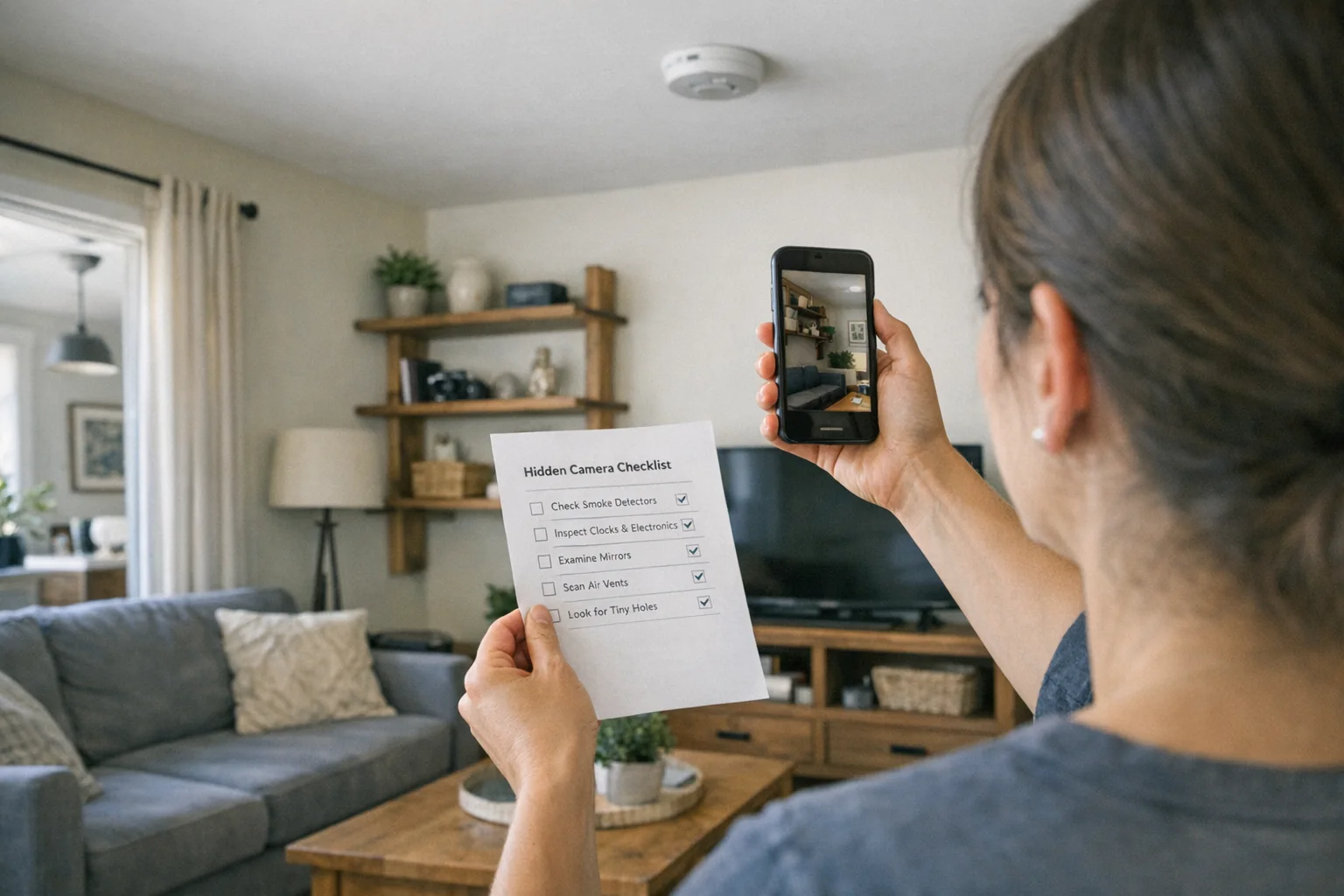
Printable hidden camera detection checklist + gear deals. Free, no spam.
Free updates. Unsubscribe anytime.
Frequently Asked Questions
What does a smoke detector camera look like?
Can I use my phone to check a smoke detector for a camera?
Are two smoke detectors in one small room suspicious?
Should I remove a suspicious smoke detector myself?
When should I use a dedicated detector tool?
What to Do Next
Related Guides
Best Hidden Camera Detector Apps (2026): iPhone & Android
The best hidden camera detector apps for iPhone and Android — what they find, what they miss, and when to upgrade to dedicated hardware.
Read guide
Workplace Surveillance Detection in Your Home Office (2026)
Methods to identify covert workplace monitoring at home, from software logs to unusual network activity and hidden devices, while protecting your privacy.
Read guide
How to Find Hidden Cameras with iPhone and Android (2026)
Use your iPhone or Android to detect hidden cameras with built-in tools. Step-by-step: flashlight sweep, IR check, WiFi scan, and when to upgrade to gear.
Read guide