How to Check for Hidden Cameras: 7 Quick Checks
Disclosure: This page contains affiliate links. We may earn a commission at no extra cost to you. We only recommend products we've tested or thoroughly researched. Full disclosure.
Need the full method breakdown? Use the complete How to Find Hidden Cameras guide. This page is the fast, practical version for immediate checks.
Short answer: If you are wondering how to check for hidden cameras right now, use this order: visual sweep, lens reflection pass, fixture check, phone check, then detector escalation. It takes about 10 minutes and prevents rushed mistakes.
If your primary tool is your phone, keep our phone detection guide open while you run this checklist.
10-Minute Hidden Camera Check (Quick Checklist)
1) Start with a doorway reset (60 seconds)
From the entry point, ask one question: what has a clear view of private areas?
Prioritize objects aimed at:
- Bed and sleeping area
- Bathroom/shower zone
- Desk or changing area
Anything with line-of-sight plus power should be checked first.
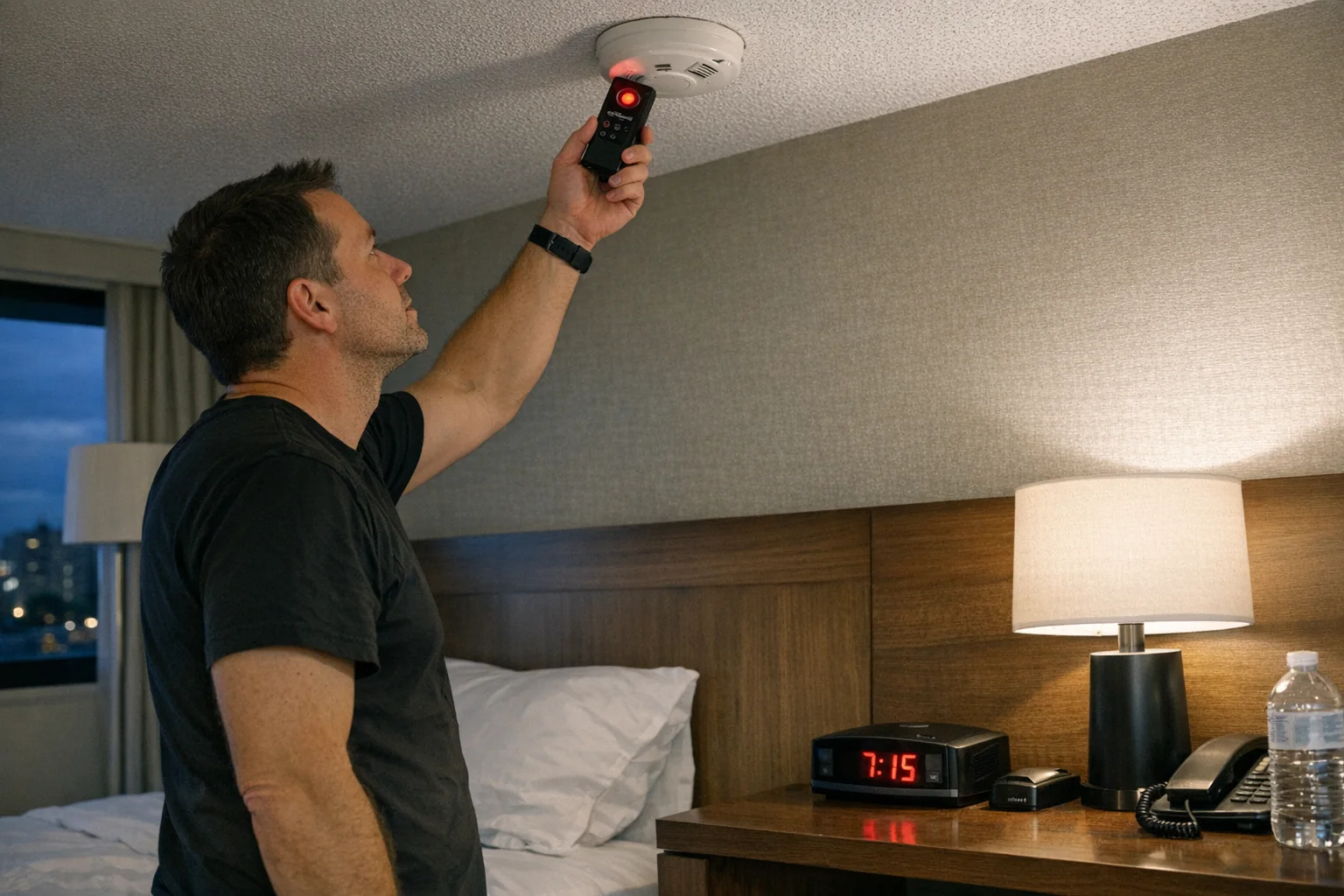
2) Do a slow flashlight lens sweep (2-3 minutes)
Turn lights down, hold your light near eye level, and sweep side-to-side slowly.
Focus on:
- Smoke detectors and vents
- USB chargers and alarm clocks
- Wall adapters and outlet plates
- Picture frames and decorative electronics
Camera lenses usually create tight bright glints that repeat from multiple angles.
3) Check mirrors and small fixture openings (2 minutes)
Look for signs of tampering:
- Mirror edges that look recently resealed
- Misaligned screws on fixtures
- Tiny pinholes in hooks, dispensers, or trim
- A single smoke detector that looks different from the rest
This step catches many low-effort placements that visual scanning misses at first glance.
4) Run phone checks (2 minutes)
In the dark, do a fast camera pass for infrared dots, then run a Wi-Fi scan for unknown devices.
Phone checks are best for:
- Night-vision IR emitters
- Network-connected cameras with identifiable device names
Phone checks are weak for:
- Wired cameras
- Offline SD-card cameras
- Dormant or motion-triggered devices
Use the full workflow here: How to Detect Hidden Cameras with Your Phone.
5) Validate suspicious spots before concluding (1 minute)
Before calling something a camera:
- Re-check from a second angle
- Compare to a similar fixture nearby
- Eliminate common false positives (router LEDs, glossy screws, reflective trim)
This avoids panic and improves your confidence.
6) Escalate when uncertainty remains
If anything still feels wrong after the checklist, move to dedicated detection hardware immediately.
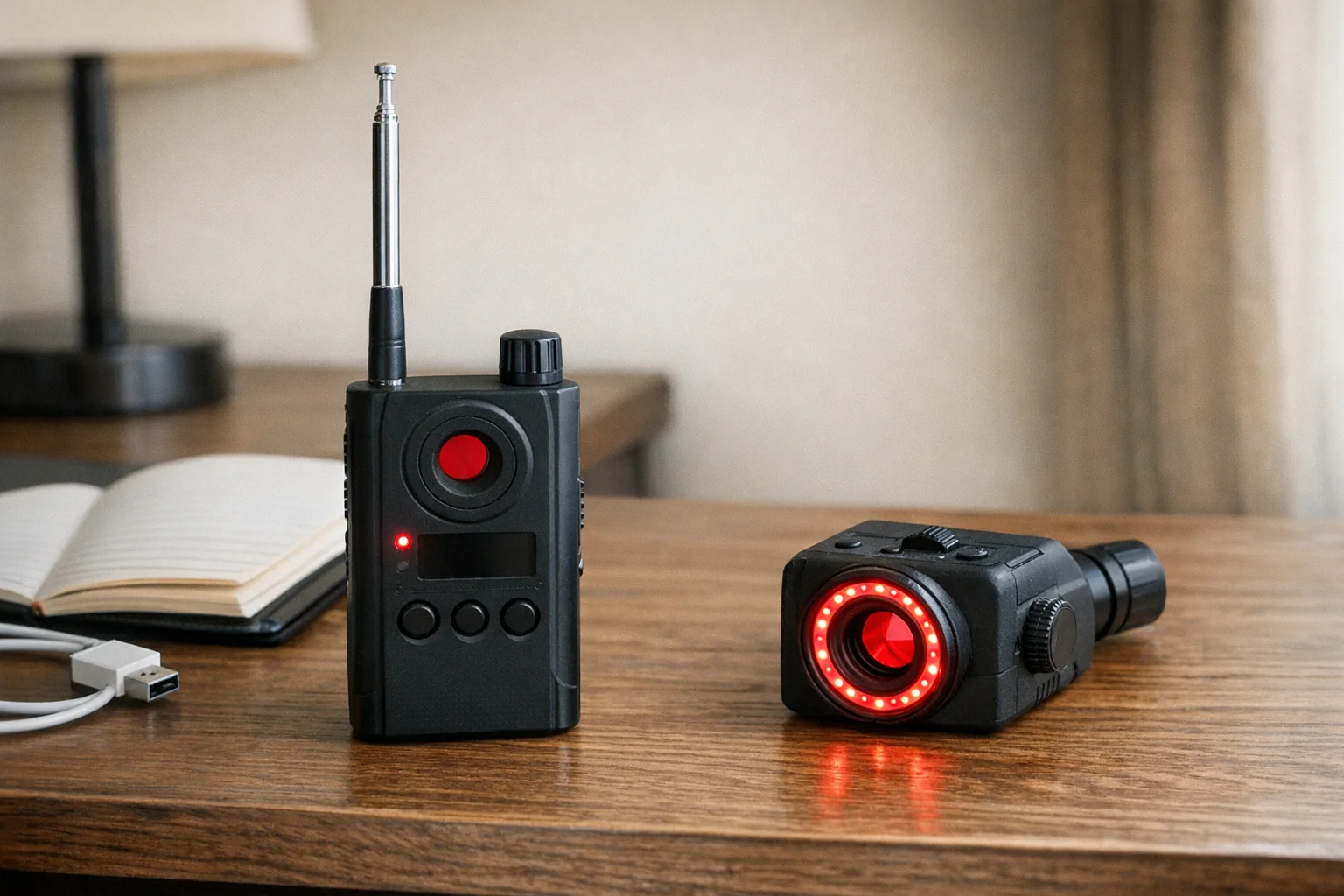
SpyFinder Pro
Best premium lens detector
See our full ranking, test notes, and alternatives before you buy.
- Finds lens-based cameras
- Best for high-confidence sweeps
- Compared against 5 alternatives
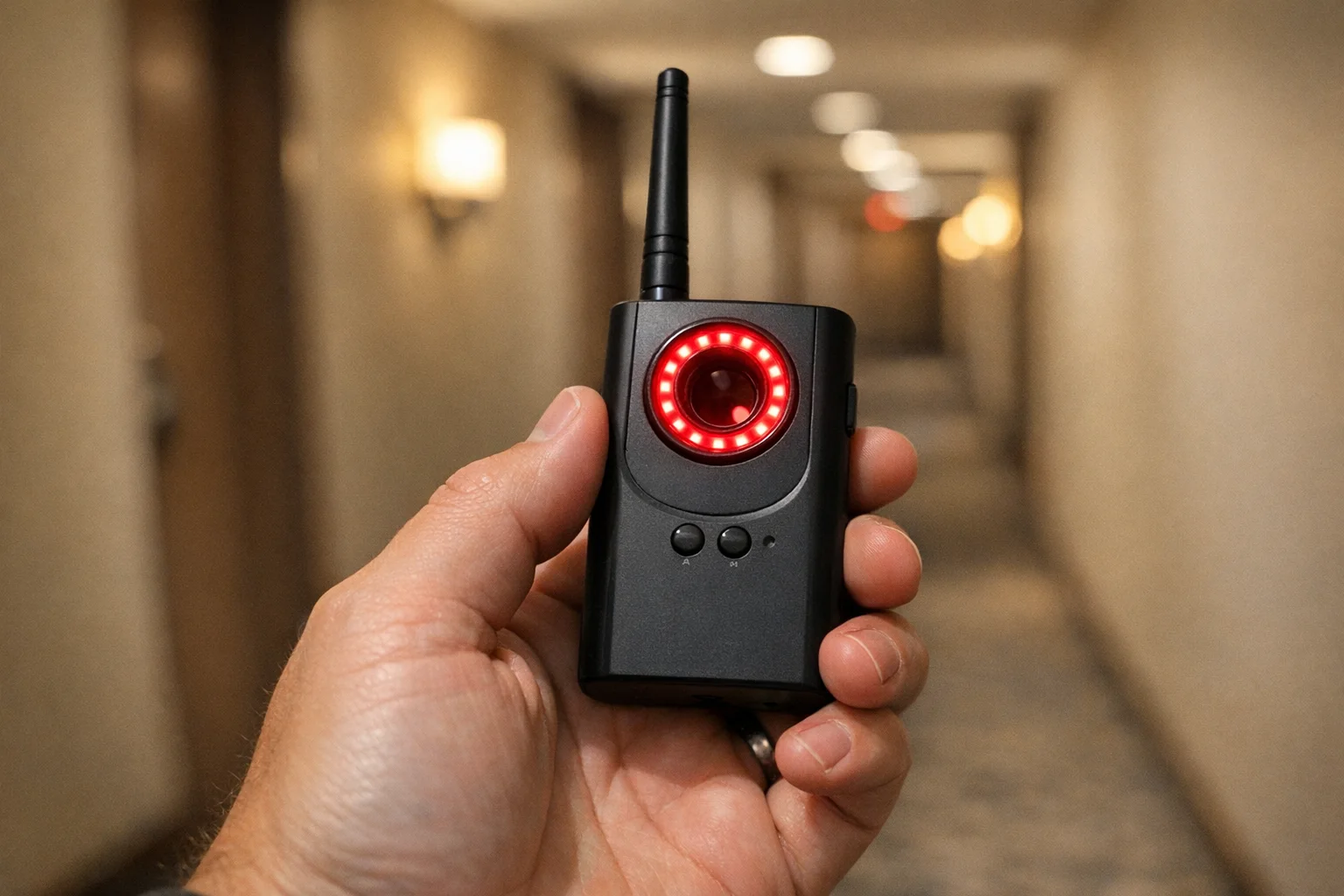
JMDHKK K18+
Best value all-in-one detector
Use this when phone-only checks are not enough.
- RF + lens + magnetic checks
- Strong travel value
- Easy first hardware upgrade
For full buyer guidance, go to the money page: Best Hidden Camera Detectors (2026).
How to Check for Hidden Cameras in Hotel Room Settings
Hotels are usually fast-turnover environments, so your best move is a repeatable intake routine before unpacking.
Hotel priorities:
- Bed-facing devices (alarm clock, TV unit, charging blocks)
- Bathroom fixtures (vents, mirror area, dispensers)
- Ceiling hardware (smoke detector, sprinkler region, lights)
If you only have five minutes, run steps 1-4 from this guide and then do one detector pass around the bed and bathroom lines of sight.
For the longer protocol, use full room sweep guide.
How to Check for Cameras in Airbnb Properties
Airbnb checks should include everything above, plus an extra pass for non-standard decor and smart devices.
Airbnb-specific checks:
- Decorative objects that do not match listing photos
- Smart displays or clocks added near private zones
- New USB hubs or adapters near beds
- Router shelves, bookshelves, and wall decor aimed at seating/sleeping areas
If you identify suspicious hardware, preserve evidence first, then report through platform support and local authorities.
When to Stop Checking and Escalate
Escalate immediately if:
- You see a clear lens opening aimed at private areas
- A device appears newly installed or tampered with
- You have repeated suspicious signals from the same location
- The host/manager response is evasive or dismissive
Do not remove devices yourself. Preserve evidence and move to safety first.
Bottom Line
For most travelers and renters, the fastest reliable answer to how to check for hidden cameras is a repeatable 10-minute checklist plus escalation when needed. Do the basics every check-in, and use dedicated detectors when the risk is non-trivial.
If you need a deeper method comparison, read detection methods compared. If you are buying gear, use best hidden camera detectors.
Smart Picks
Smart Picks for This Guide
We curated this short shelf from high-performing recommendations for faster buying decisions.

SpyFinder Pro
Most accurate lens detection
Best when you need confident detection of hidden wired and non-transmitting devices.
- Consistent lens performance
- Clear pass/fail indicator
- Strong build quality

JMDHKK K18+
Most complete detection method
Four detection modes for quick room sweeps in hotels, Airbnbs, and rentals.
- RF + lens + magnetic + audio
- Affordable
- Simple sensitivity controls
Navfalcon 2025 RF Detector
Best value RF upgrade
Higher sensitivity for RF-focused scans and fewer misses on battery-powered units.
- Improved RF filtering
- Longer scan reach
- Budget-sensitive option
We earn commissions from qualifying Amazon purchases. Full disclosure.
Get the free checklist
Printable hidden camera detection checklist + gear deals. Free, no spam.
Free updates. Unsubscribe anytime.
Frequently Asked Questions
How do I check for hidden cameras in a hotel room quickly?
How do I check for cameras in an Airbnb?
Can I check for hidden cameras with just my phone?
What are the most common hidden camera locations?
What should I do if I find a hidden camera?
What to Do Next
Related Guides
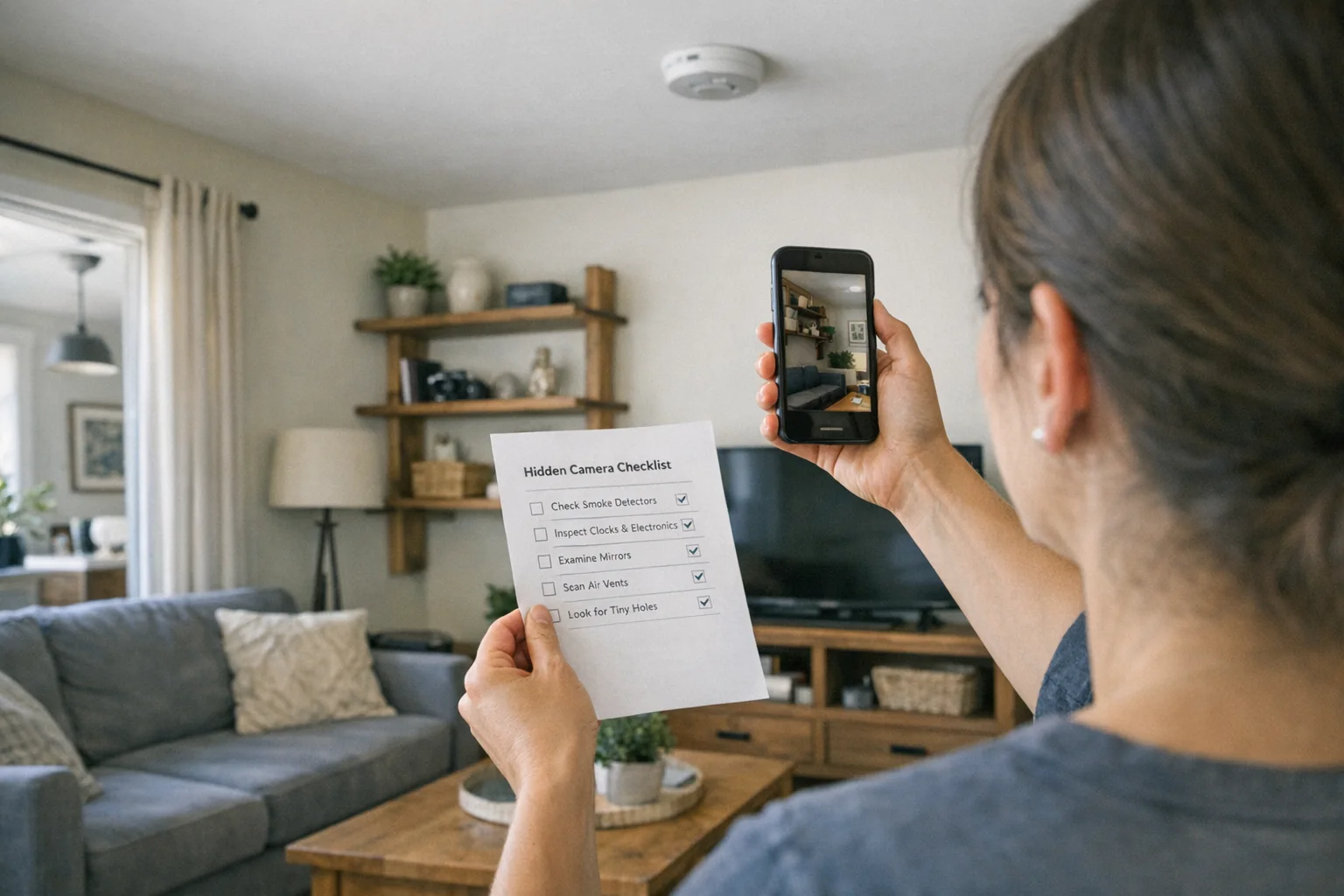
Best Hidden Camera Detector Apps (2026): iPhone & Android
The best hidden camera detector apps for iPhone and Android — what they find, what they miss, and when to upgrade to dedicated hardware.
Read guide
Workplace Surveillance Detection in Your Home Office (2026)
Methods to identify covert workplace monitoring at home, from software logs to unusual network activity and hidden devices, while protecting your privacy.
Read guide
How to Find Hidden Cameras with iPhone and Android (2026)
Use your iPhone or Android to detect hidden cameras with built-in tools. Step-by-step: flashlight sweep, IR check, WiFi scan, and when to upgrade to gear.
Read guide