Hotel and Airbnb Hidden Camera Room-By-Room Checklist

Disclosure: This page contains affiliate links. We may earn a commission at no extra cost to you. We only recommend products we've tested or thoroughly researched. Full disclosure.
Need the full method stack? Start with our How to Find Hidden Cameras: Complete 2026 Detection Guide, then use this page for scenario-specific steps.
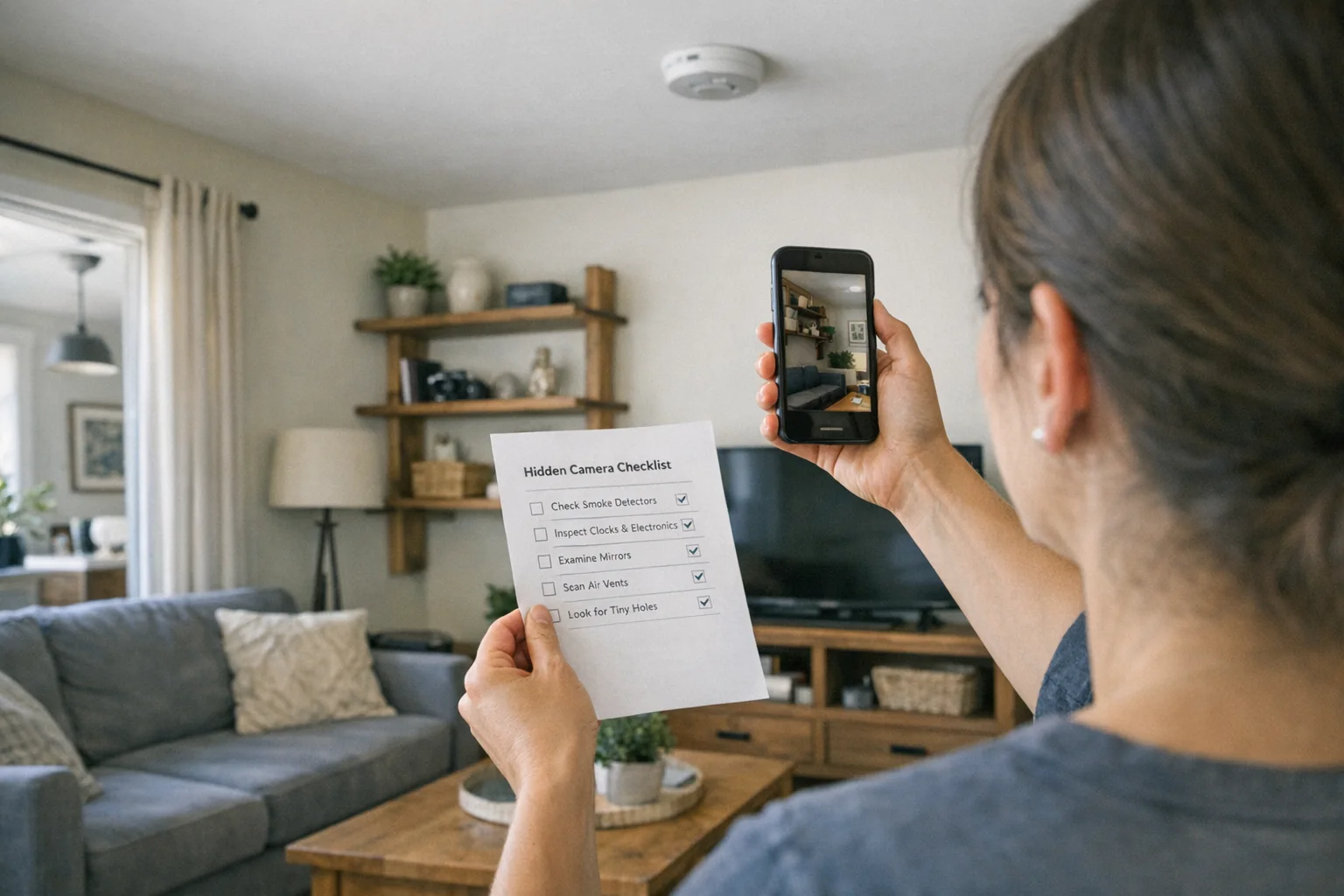
Before You Start: Turn off all lights and close blinds. Many hidden cameras have small LED indicator lights that are only visible in the dark. Use your phone’s flashlight to scan for reflective camera lenses.
Bathroom
- Check smoke detectors — look for tiny lens holes or unusual weight
- Inspect air fresheners and dispensers for pinhole openings
- Examine electrical outlets and power strips for lens-sized holes
- Look behind mirrors — hold a fingertip to the glass (no gap = possible two-way mirror)
- Check tissue box holders, soap dispensers, and shower hooks
- Scan ceiling tiles and vents for anything recessed or out of place
- Inspect towel hooks, robe hooks, and wall-mounted accessories
Bedroom
- Check alarm clocks and digital displays — look for lens holes on the face
- Inspect smoke detectors and carbon monoxide detectors
- Examine lamps, lampshades, and nightlights for hidden openings
- Look at picture frames, wall art, and decorative items facing the bed
- Check USB chargers and power adapters plugged into outlets
- Inspect air vents and HVAC registers for anything behind the slats
- Look inside stuffed animals, books, or decorative objects near the bed
- Check behind the TV and around TV bezels
Living Area
- Scan bookshelves and decorative objects at eye level
- Check potted plants and artificial flower arrangements
- Inspect router, modem, and cable boxes for extra lenses
- Examine light fixtures, recessed lighting, and ceiling fans
- Look at wall-mounted speakers, intercoms, and thermostats
- Check couch cushions and furniture seams facing common areas
Smoke Detectors, Clocks & Fixtures
- Compare all smoke detectors — does one look different from the others?
- Check for extra weight by gently twisting the detector off its mount
- Examine wall clocks for tiny lens holes in the face or frame
- Inspect sprinkler heads — real ones have a glass bulb; fakes may not
- Look at motion sensor lights for anything embedded in the housing
- Check exit signs and emergency lighting (in hotel rooms)
Tech Devices & Electronics
- Scan the Wi-Fi network — unknown devices streaming data are a red flag
- Check USB charger adapters — camera chargers are very common
- Inspect Bluetooth speakers and smart home devices
- Look at power banks or battery packs left in the room
- Examine any device with a small, dark circle that could be a lens
Phone-Based Detection
- Flashlight sweep: Shine your phone flashlight slowly across surfaces and look for small reflective glints (camera lenses reflect light distinctly)
- Phone camera IR test: Open your front-facing camera in a dark room — infrared LEDs from night-vision cameras appear as faint purple/white dots on screen
- Wi-Fi scan: Use a network scanner app like Fing to identify unknown connected devices
- RF detector: If you have one, sweep the room for radio frequency signals
Recommended Detection Tools
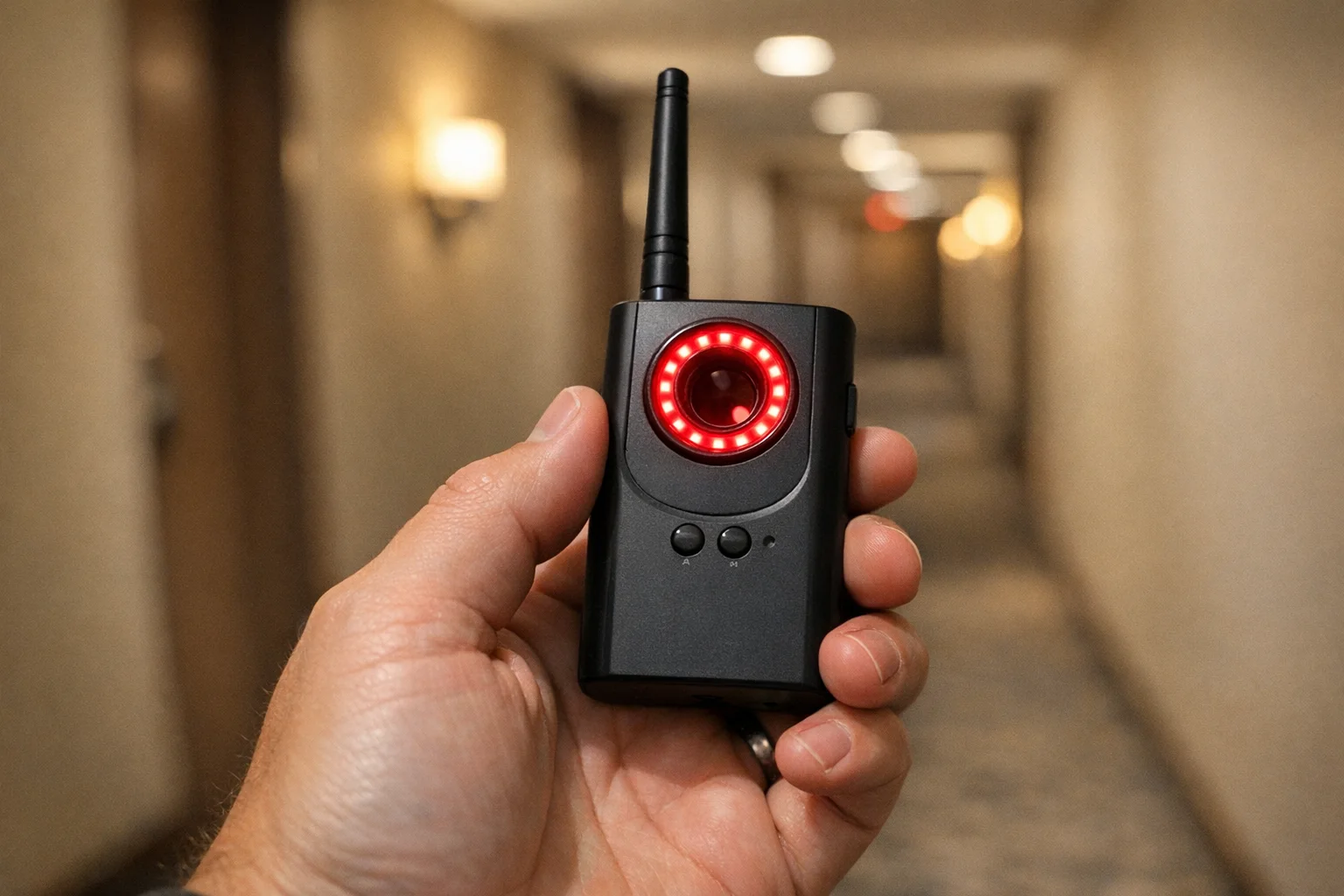
For a more thorough sweep beyond what your phone can do, these dedicated detectors cover the gaps that phone-based methods miss — especially wired cameras and devices that aren’t connected to Wi-Fi.

JMDHKK K18+
Best All-in-One for Travelers
Combines RF scanning, lens detection, and magnetic field detection in one compact, travel-friendly device
- 4 detection methods in one
- Compact and travel-friendly
- 8-hour battery life

SpyFinder Pro
Best Dedicated Lens Finder
Detects any camera lens — powered or unpowered, wired or wireless — with 99% accuracy using infrared reflection
- 99% lens detection accuracy
- Works on wired & wireless cameras
- 15+ hour battery
Quick Reference: Emergency Contacts
| Contact | Number / Info |
|---|---|
| Emergency | 911 |
| Airbnb Support | 1-844-234-2500 |
| Vrbo Support | 1-877-228-3145 |
If You Find a Camera
- Do not touch or remove it — it may be evidence
- Take photos and video of the device and its location
- Leave the property if you feel unsafe
- Call local police to file a report
- Contact the booking platform (Airbnb, Vrbo, hotel management)
- Document everything — screenshots of the listing, your booking confirmation, and all communications
Frequently Asked Questions
What should I do if I find a hidden camera in my rental?
Do not touch or remove the camera — it may be evidence. Take photos and video of the device and its location, leave the property if you feel unsafe, and call local police to file a report. Contact the booking platform (Airbnb, Vrbo, or hotel management) immediately. Document everything including screenshots of the listing, your booking confirmation, and all communications.
How do I check if a mirror is a two-way mirror?
Place your fingertip against the mirror surface. In a normal mirror, there’s a small gap between your finger and its reflection (because the reflective coating is behind the glass). In a two-way mirror, your finger appears to touch its reflection directly with no gap. You can also knock on the mirror — a normal wall-mounted mirror sounds solid, while a two-way mirror mounted over an open space sounds hollow. Use your phone’s flashlight pressed against the glass to try to see through from a dark angle.
Can my smartphone detect hidden cameras?
Your phone can help, but it’s not reliable on its own. The IR detection feature works for spotting night-vision cameras in a dark room — your phone’s front-facing camera can see infrared light that appears as faint purple or white dots on screen. Network scanning apps like Fing are useful for identifying unknown devices on Wi-Fi. However, phones miss wired cameras, cameras without IR LEDs, and cameras not connected to Wi-Fi. For thorough sweeps, dedicated detection hardware is recommended. If you want a full phone-first workflow, use our hidden camera phone detection guide.
What are the most common hiding spots for cameras in rentals?
The most common hiding spots are smoke detectors (the single most common location), alarm clocks facing the bed, USB charger adapters in bedrooms and bathrooms, electrical outlets and power strips, picture frames and wall art, air fresheners and dispensers, bathroom fixtures like towel hooks and shower heads, and any device with a small dark circle that could be a lens.
For a deeper dive into how each detection method works and when to use it, see our detection methods comparison guide. For a step-by-step walkthrough, check out our 5-minute hotel room sweep guide.
Smart Picks
Smart Picks for This Guide
We curated this short shelf from high-performing recommendations for faster buying decisions.
SpyFinder Pro
Most accurate lens detection
Best when you need confident detection of hidden wired and non-transmitting devices.
- Consistent lens performance
- Clear pass/fail indicator
- Strong build quality
JMDHKK K18+
Most complete detection method
Four detection modes for quick room sweeps in hotels, Airbnbs, and rentals.
- RF + lens + magnetic + audio
- Affordable
- Simple sensitivity controls
Navfalcon 2025 RF Detector
Best value RF upgrade
Higher sensitivity for RF-focused scans and fewer misses on battery-powered units.
- Improved RF filtering
- Longer scan reach
- Budget-sensitive option
We earn commissions from qualifying Amazon purchases. Full disclosure.
Get the free checklist
Printable hidden camera detection checklist + gear deals. Free, no spam.
Free updates. Unsubscribe anytime.
Frequently Asked Questions
What should I do if I find a hidden camera in my rental?
How do I check if a mirror is a two-way mirror?
Can my smartphone detect hidden cameras?
What are the most common hiding spots for cameras in rentals?
What to Do Next
Related Guides
Best Hidden Camera Detector Apps (2026): iPhone & Android
The best hidden camera detector apps for iPhone and Android — what they find, what they miss, and when to upgrade to dedicated hardware.
Read guide
Workplace Surveillance Detection in Your Home Office (2026)
Methods to identify covert workplace monitoring at home, from software logs to unusual network activity and hidden devices, while protecting your privacy.
Read guide
How to Find Hidden Cameras with iPhone and Android (2026)
Use your iPhone or Android to detect hidden cameras with built-in tools. Step-by-step: flashlight sweep, IR check, WiFi scan, and when to upgrade to gear.
Read guide