How to Find Leftover Surveillance Devices in a New Home
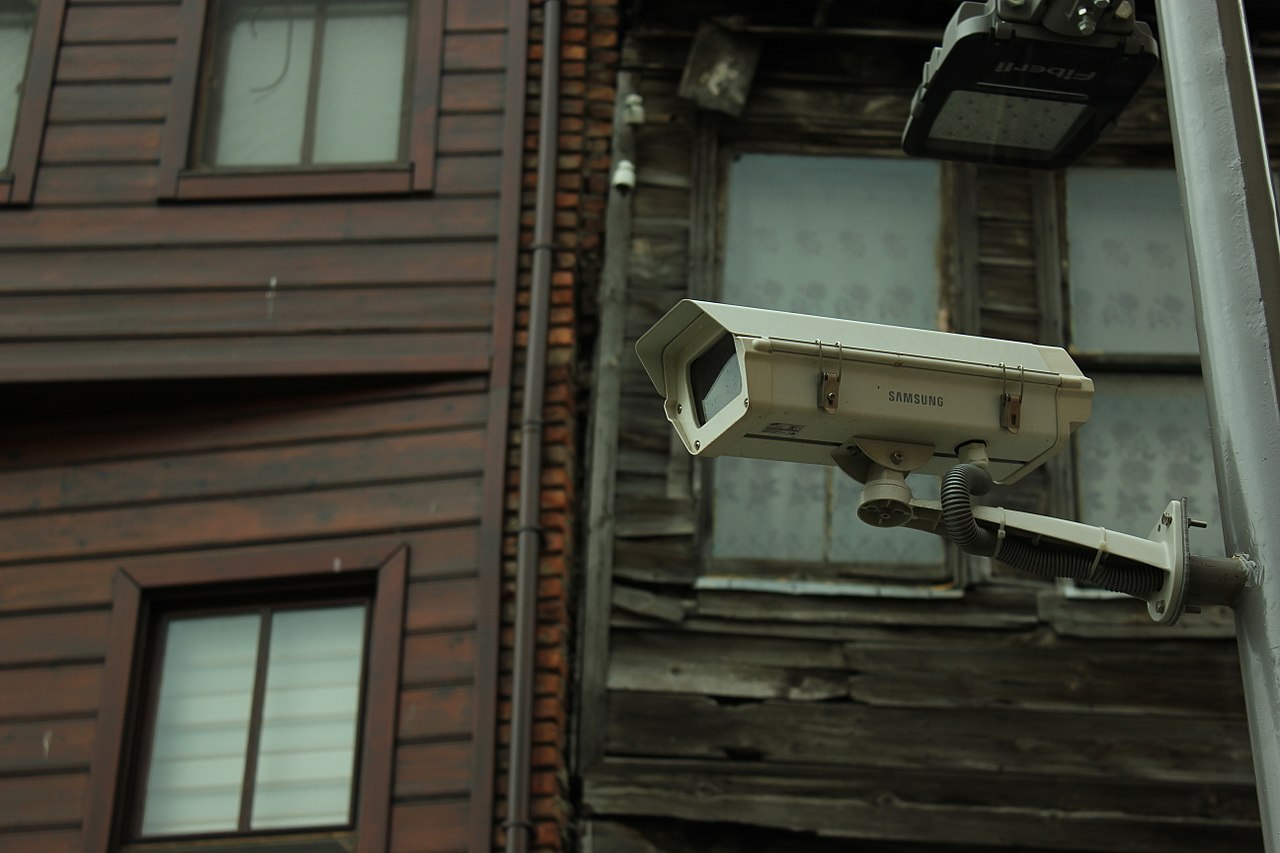
Disclosure: This page contains affiliate links. We may earn a commission at no extra cost to you. We only recommend products we've tested or thoroughly researched. Full disclosure.
Need the full method stack? Start with our How to Find Hidden Cameras: Complete 2026 Detection Guide, then use this page for scenario-specific steps.
Moving into a new home should feel like a fresh start, but leftover surveillance devices from previous owners can compromise your privacy before you’ve even unpacked. A thorough surveillance sweep should be your first priority, as hidden cameras and recording devices are surprisingly common in homes with previous occupants. Combine WiFi network scanning with professional detection tools for comprehensive protection.
Unlike quick hotel room checks, your new home requires a comprehensive inspection because previous owners had unlimited time and access to install sophisticated surveillance systems. Here’s everything you need to know about finding and handling leftover surveillance devices.
What You’ll Learn
- Smart home device audit: checking Ring/Nest doorbells, smart TVs, baby monitors, Echo devices left by previous owners
- Outdoor surveillance: eaves, landscaping, mailbox, garage, neighbor-facing cameras
- Factory-resetting all devices: preventing previous owners from maintaining remote access
- Internet router security: changing defaults, checking connected devices, isolating your network
- Move-in checklist: comprehensive pre-unpacking inspection
- Working with real estate agents and inspectors: what to ask and what they should have disclosed
- Professional TSCM services: when to hire, what to expect, typical costs ($200-600)
The Previous Owner’s Hidden Legacy: Smart Home Security
Modern homes are filled with connected devices, and previous owners may have left surveillance equipment behind—some accidentally, some intentionally. This isn’t just about hidden cameras. It’s about smart home systems that could still be monitoring your new home.
Smart Devices That Might Be Left Behind
Devices previous owners commonly leave:
- Ring doorbell cameras (still connected to their account, streaming to them)
- Nest cameras/thermostats (recording your movement, sending to previous owner)
- Smart TVs (may have built-in cameras and microphones)
- Baby monitors (can be remote-viewed by previous owner)
- Alexa/Echo devices (with drop-in feature, microphone access)
- Smart displays (Echo Show, Google Nest Hub with cameras)
- Motion sensor systems (connected to previous owner’s security account)
- Hidden cameras disguised as USB chargers, clocks, picture frames
The critical issue: All of these devices may still be connected to the previous owner’s account, allowing them to:
- View live camera feeds from your new home
- Use drop-in features to listen to conversations
- Control systems remotely
- Track your movement patterns
- Access recordings of your activities
This is the home-specific threat: Not just hidden cameras, but legitimate smart devices repurposed for ongoing surveillance.
Step 1: The Smart Home Audit—Before Anything Else
Do this in the first 2 hours of having keys to your new home, before you’re tired from moving.
Immediately Upon Entry: Visible Smart Devices
Look for and photograph:
- Ring doorbell cameras (front door, side doors, garage)
- Nest cameras (mounted on walls, pointed at beds/bathrooms)
- Smart displays (Echo Show, Google Nest Hub, tablets on walls)
- Thermostat cameras (some thermostats have built-in cameras)
- Baby monitors (even if you don’t have kids, previous owner may have left it)
- Smoke detectors with cameras (disguised surveillance)
For each device found:
- Take a photo showing its location and what it’s pointed at
- Don’t unplug it yet (preserve evidence if it’s unauthorized)
- Check if it has an obvious owner name (often shows on device)
- Document model number and any identifying information
Critical: The Hidden Reset Button
Before you unplug anything, check if you can access the device to see who owns it:
- Look for an app pairing code or WiFi network name on the device
- If it shows a network name like “Ring-XXXX” or “Nest-XXXX”, you might be able to identify the previous owner
- Do NOT try to pair it to your own account yet (don’t compromise evidence)
Step 2: WiFi Network Audit—The Full Picture
Within the first 24 hours, scan your WiFi network completely. This reveals both visible smart devices and hidden cameras that may be connected.
Change Your Router Password Immediately
Before scanning, change your WiFi password:
- Log into router admin panel (usually 192.168.1.1)
- Find WiFi settings
- Change the password to something you create
- Write down the old password (for reference only)
Why first: This disconnects any devices on the previous owner’s network, making it harder for them to maintain access.
Network Scanning: What to Look For
Run a network scan using Fing app (free):
- Download Fing
- Open app and run network scan
- Review all connected devices
- Screenshot the results
Suspicious device names:
- “IPCamera,” “IP_CAM,” “IPCAM,” “Camera”
- “Hikvision,” “Dahua,” “Axis” (professional surveillance brands)
- “ESP32,” “WiFi-Camera” (generic surveillance modules)
- “Ring,” “Nest,” “Wyze” (smart home cameras)
- Devices with manufacturers “Shenzhen,” “Unknown,” or Chinese characters
- Random MAC addresses without recognizable device names
What to do if you find suspicious devices:
- Screenshot the device name and MAC address
- Do NOT delete from network yet
- Document everything
- If you have a suspected camera (not a legitimate smart device), contact police with evidence
Step 3: Outdoor Surveillance Audit—Don’t Forget Outside
Previous owners commonly leave outdoor cameras that technically may be “theirs” but can record your activities going in/out.
Outdoor Areas to Inspect
Check these locations for cameras:
- Roof eaves (very common camera location)
- Gutters and downspouts (easy to hide cameras)
- Garage (ceiling, corners, side walls)
- Mailbox area (mounted above or near mailbox)
- Porch and entryway (typically Ring doorbells, but can be hidden)
- Side yard and landscaping (bushes, trees, fence corners)
- Driveway (pointed at garage or driveway)
- Utility boxes and connections (power boxes, cable junction)
Documenting Outdoor Cameras
For each camera found:
- Take a wide photo showing the camera and what area it covers
- Document its field of view (where does it point? can it see your bedroom window? bathroom? front door?)
- Note if there are wires, power connections, or whether it’s wireless
- Check if it’s a modern device or older/abandoned equipment
Important distinction:
- Legitimate: Outdoor cameras pointing at driveway/front door only, clearly visible, obviously for security
- Suspicious: Cameras pointed at windows, hidden in landscaping, angled to view neighbors’ properties, multiple cameras, professional surveillance-grade equipment
Step 4: Factory Reset ALL Smart Devices Found
This is critical. Even “legitimate” devices left behind may still be connected to the previous owner’s account.
Smart Device Reset Procedure
For Ring doorbells:
- Locate the reset button (usually on the back)
- Hold for 15-20 seconds until LED blinks orange
- This factory resets it and removes from previous owner’s account
- You can now pair it to your own account
For Nest cameras/products:
- Hold down reset button for 10 seconds
- Camera will reboot and reset to factory
- Pair to your account afterward
For Echo devices:
- Press and hold the action button for 20 seconds
- Device will reset and you’ll hear an audio confirmation
- Can now set up with your own account
For other smart home devices:
- Look for physical reset button
- Hold for 10-20 seconds
- Device will reboot and clear all settings
- Disconnect from WiFi to prevent reconnection to old account
Important: Resetting these devices is your right. You own the home now. This prevents previous owners from maintaining remote access to your home.
Step 5: Internet Security—Locking Down Your Network
After resetting devices, secure your network so previous owners can’t maintain access.
Router Security Hardening
Change these settings immediately:
- Change router admin password (default is often “admin/admin”)
- Disable WPS (WiFi Protected Setup)—this allows easy unauthorized connection
- Enable WPA3 encryption (or WPA2 if WPA3 not available)
- Disable remote management access
- Change WiFi network name (SSID) to something you choose
- Create a new, strong WiFi password
Create a “Guest Network”
Set up a separate network for visitors:
- Prevents access to devices on your main network
- Protects your smart home devices from guest devices
- If you rent out rooms, keeps their devices isolated
Professional TSCM Service: When to Call Experts
A professional counter-surveillance sweep is worth considering for new homes, especially if you:
- Found devices already (suggests sophisticated installation)
- Have reason to believe previous owner was hostile
- Buying from someone who works in surveillance/security
- Found outdoor cameras with sophisticated concealment
- Found wiring or infrastructure changes suggesting permanent installation
What a TSCM Sweep Includes
Professional technicians will:
- Sweep for RF signals (wireless cameras, bugs, trackers)
- Scan for laser-based lens detection
- Inspect all electronics and infrastructure
- Test for hidden cameras in walls using borescope
- Check for wired surveillance throughout home
- Audit all network-connected devices
- Provide detailed report of findings
Cost and Duration
- Cost: $200-600 for average home
- Duration: 2-4 hours
- Finding: Search “TSCM sweep [your city]” or “counter-surveillance professional [your city]”
Worth the investment if:
- You found any cameras already
- You have substantial privacy concerns
- Your previous owner was evasive or hostile
- You’re moving into a high-value property
- You work in sensitive industry (government, corporate)
Working with Real Estate Agents and Home Inspectors
Disclosure and inspection happen BEFORE closing. Use this knowledge for your negotiations.
What Sellers Are Required to Disclose
State laws vary dramatically, but generally:
- Security cameras and surveillance systems must be disclosed before sale
- Smart home devices (Nest, Ring) that remain with house must be disclosed
- Previous owner’s “hidden” systems discovered during inspection should halt sale until resolved
What to ask your real estate agent:
- “Does the listing disclose any cameras or surveillance systems?”
- “Were any smart home devices left in the home?”
- “What does the home inspection report say about security equipment?”
- “Are there any cameras the seller is removing before closing?”
Home Inspection Checklist
Ask the home inspector to specifically check for:
- Cameras and surveillance equipment in all rooms
- Smart home devices and their connection status
- WiFi routers and what devices they’re discovering
- Visible wiring or mounting infrastructure suggesting removed equipment
- Outdoor cameras and their coverage areas
Get it in writing: Have inspector document any cameras or suspicious devices in the final report. This gives you leverage if issues arise post-closing.
Post-Closing Remedies if Cameras Are Discovered
You may have legal recourse if cameras weren’t disclosed:
- Contact your real estate attorney
- Document when you discovered the equipment
- Determine if previous owner still has remote access
- File complaint with state real estate commission
- Consider suing for breach of disclosure, mental anguish, privacy violation
The New Homeowner’s Comprehensive Checklist
Do this systematically in the first week. Don’t skip steps.
Week 1 - Day 1 (Immediately upon receiving keys):
- Photograph all visible smart devices before touching anything
- Locate and document all Ring doorbells, Nest cameras, smart displays
- Factory reset all smart home devices found
- Change router password
- Change WiFi network name (SSID)
Week 1 - Day 1-2 (Within 24 hours):
- Run Fing network scan and screenshot results
- Look for suspicious device names on network
- Disable WPS on router
- Check all outdoor cameras and document field of view
Week 1 - Day 2-7 (Before unpacking fully):
- Do visual sweep of each room (look for unusual objects)
- Use phone IR camera in dark rooms to look for camera LEDs
- Check all smoke detectors for additional devices
- Inspect light fixtures, ceiling fans for wiring or cameras
- Check bathroom fixtures, mirrors, towel racks
- Document any suspicious findings with photos
Week 1 - Day 7:
- Run Fing scan again to see if new devices appear
- If any cameras found: contact police, document everything
- If comfortable with security: you’re ready to unpack
If You Find Cameras: Documentation and Legal Steps
Do NOT assume “no harm” if you find cameras. Treat it seriously.
Evidence Preservation
Document immediately:
- Photos of camera from multiple angles
- Photo showing camera’s field of view (what it was pointing at)
- Screenshot of any WiFi networks it was connected to
- Date and time of discovery
- Any data storage devices (SD cards, recording equipment)
- Previous owner’s name and contact info
Contacting Authorities
Call police (non-emergency) if cameras are in:
- Bedroom, bathroom, changing areas
- Multiple rooms (suggests intentional comprehensive surveillance)
- Concealed/hidden from obvious view
- Still showing signs of active recording
Provide police with:
- Photographs of camera and location
- Information about when you moved in
- Previous owner’s name and contact info
- Any evidence of remote access or data storage
Real Estate Legal Action
Consult a real estate attorney if:
- Cameras weren’t disclosed at closing
- Realtor should have discovered them during showing
- Previous owner claims they “forgot” (suggests negligence at minimum)
- You want compensation for privacy violation
Frequently Asked Questions
Is it legal for previous owners to leave hidden cameras in a home?
No. Hidden cameras in private areas (bedrooms, bathrooms) are illegal regardless of whether they were “forgotten.” However, disclosed smart devices that previous owners left behind may technically be theirs—this is why factory-resetting all devices and changing your network immediately is critical. The distinction: intentionally concealed cameras = always illegal. Legitimate devices left behind but disconnected from previous owner = your property now.
What if I find a Ring or Nest camera still connected to the previous owner’s account?
This is a serious privacy violation. The previous owner can still view your doorway, driveway, or interior. Factory reset it immediately using the reset button, then add it to your own account. If you find it was pointed at interior spaces (window views, hallway to bedrooms), document it and contact police. Ring and Nest allow easy “drop-in” feature to listen to conversations—the previous owner could potentially access audio too.
How can I be sure the previous owner isn’t still monitoring through their devices?
Best practices:
- Factory reset ALL devices immediately upon discovery
- Change WiFi password
- Check router for any devices still showing after password change
- Disable WPS on router to prevent unauthorized reconnection
- Change your router’s admin password (default like “admin” is easy to guess)
If you suspect ongoing monitoring:
- Contact police non-emergency line
- Document your network scans (Fing screenshots showing unknown devices)
- Consider hiring TSCM professional to verify network security
Should I tell the previous owner I found their devices?
Probably not. Once you own the home, devices in it are your property. If you’re suspicious about intentionality, contact police/attorney before confronting anyone. If it was clearly just left behind (old security system in garage), you can simply discard it or return it. But never contact them and ask “why you left surveillance in my bedroom”—that’s confrontation you don’t need.
What if I find a camera on my property line or pointed at my house from neighbor’s yard?
Different issue: That’s your neighbor’s problem/camera. You can:
- Take a photo showing it’s pointed at your property
- Contact your neighbor politely
- If they refuse to remove it: contact local police or homeowners association
- Consult a lawyer about privacy violation (varies by state)
- Some places allow you to remove it yourself if it’s on the property line
Will home insurance cover this if I find surveillance?
Unlikely, but worth asking. Home insurance typically doesn’t cover pre-existing conditions (cameras already there before you bought). However, if you can prove they were undisclosed, you may have homeowner’s claim against previous owner’s liability insurance. Consult your insurance agent if discovery is significant.
How much should I budget for a professional TSCM sweep?
Typical costs:
- Initial sweep: $200-600 depending on home size and complexity
- Network audit: $100-300 additional
- Follow-up verification: $100-200
- Full report with recommendations: Usually included
Worth the cost if:
- You found any devices (might be more)
- Previous owner worked in security/surveillance
- Home has substantial infrastructure suggesting permanent installation
- You feel unsafe
Your New Home Should Be Your Private Sanctuary
Most people never find unauthorized surveillance in their new homes. But the ones who do wish they’d checked immediately. The tools and techniques here take a few hours and protect your most intimate space.
What to do starting today:
- If you’re about to close on a home: ask agent about cameras/smart devices
- If you just moved in: run network scan and check for smart devices TODAY
- If you find anything: document and contact authorities
Remember: Factory-resetting smart home devices and changing your WiFi password are not “paranoid”—they’re baseline cybersecurity for homeownership.
Related Guides
- How to Do a Full Room Sweep for Hidden Cameras — comprehensive detection methodology
- Someone Is Watching Me: Privacy Violation Resources — if you suspect ongoing monitoring
- Best Hidden Camera Detectors 2026 — equipment for thorough sweeps
Smart Picks
Smart Picks for This Guide
We curated this short shelf from high-performing recommendations for faster buying decisions.

SpyFinder Pro
Most accurate lens detection
Best when you need confident detection of hidden wired and non-transmitting devices.
- Consistent lens performance
- Clear pass/fail indicator
- Strong build quality

JMDHKK K18+
Most complete detection method
Four detection modes for quick room sweeps in hotels, Airbnbs, and rentals.
- RF + lens + magnetic + audio
- Affordable
- Simple sensitivity controls
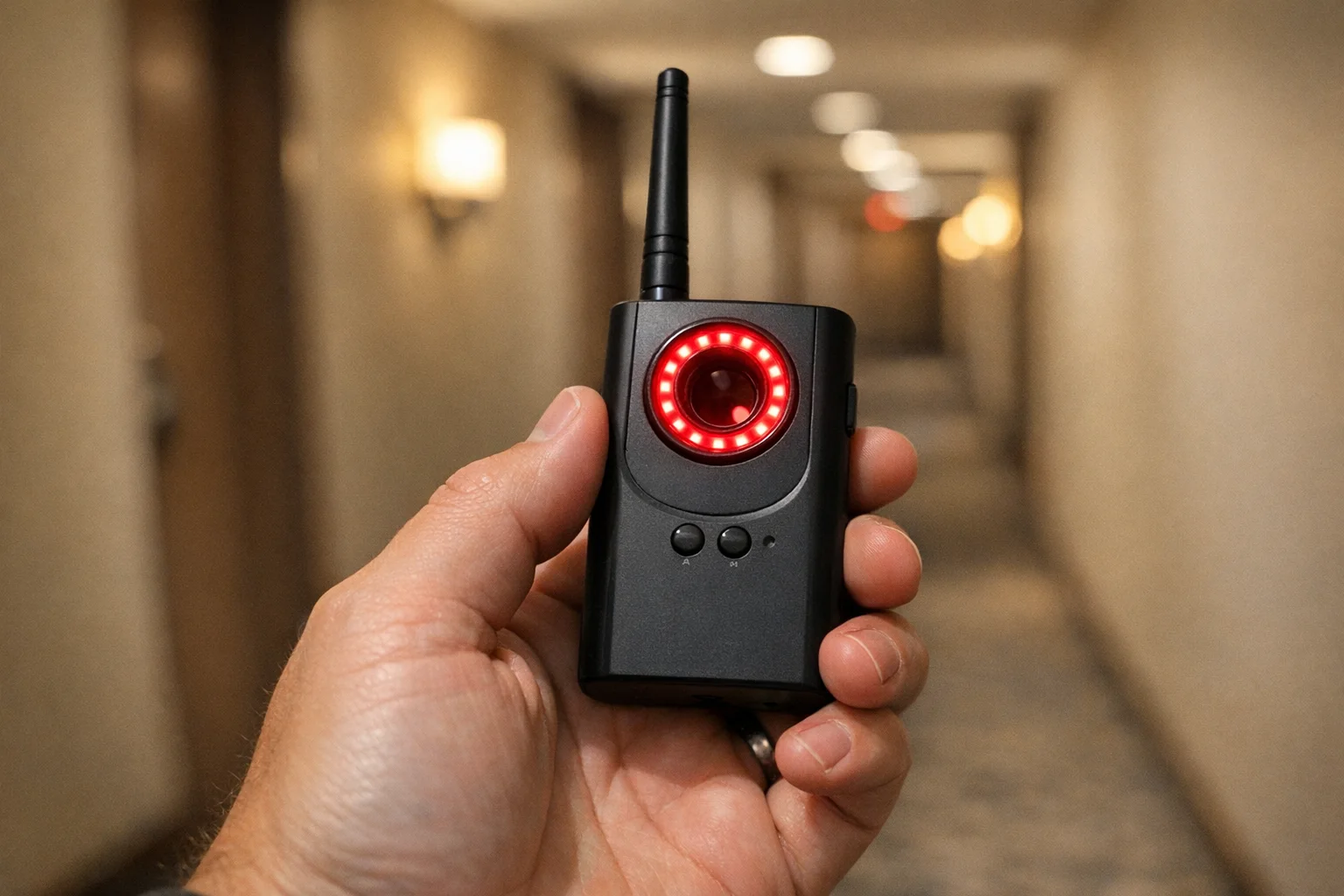
Navfalcon 2025 RF Detector
Best value RF upgrade
Higher sensitivity for RF-focused scans and fewer misses on battery-powered units.
- Improved RF filtering
- Longer scan reach
- Budget-sensitive option
We earn commissions from qualifying Amazon purchases. Full disclosure.
Get the free checklist
Printable hidden camera detection checklist + gear deals. Free, no spam.
Free updates. Unsubscribe anytime.
Frequently Asked Questions
Is it legal for previous owners to leave hidden cameras in a home?
What should I do if I find hidden cameras in my new home?
How long does it take to sweep a new home for hidden cameras?
Can hidden cameras be connected to my new home's WiFi?
What to Do Next
Related Guides
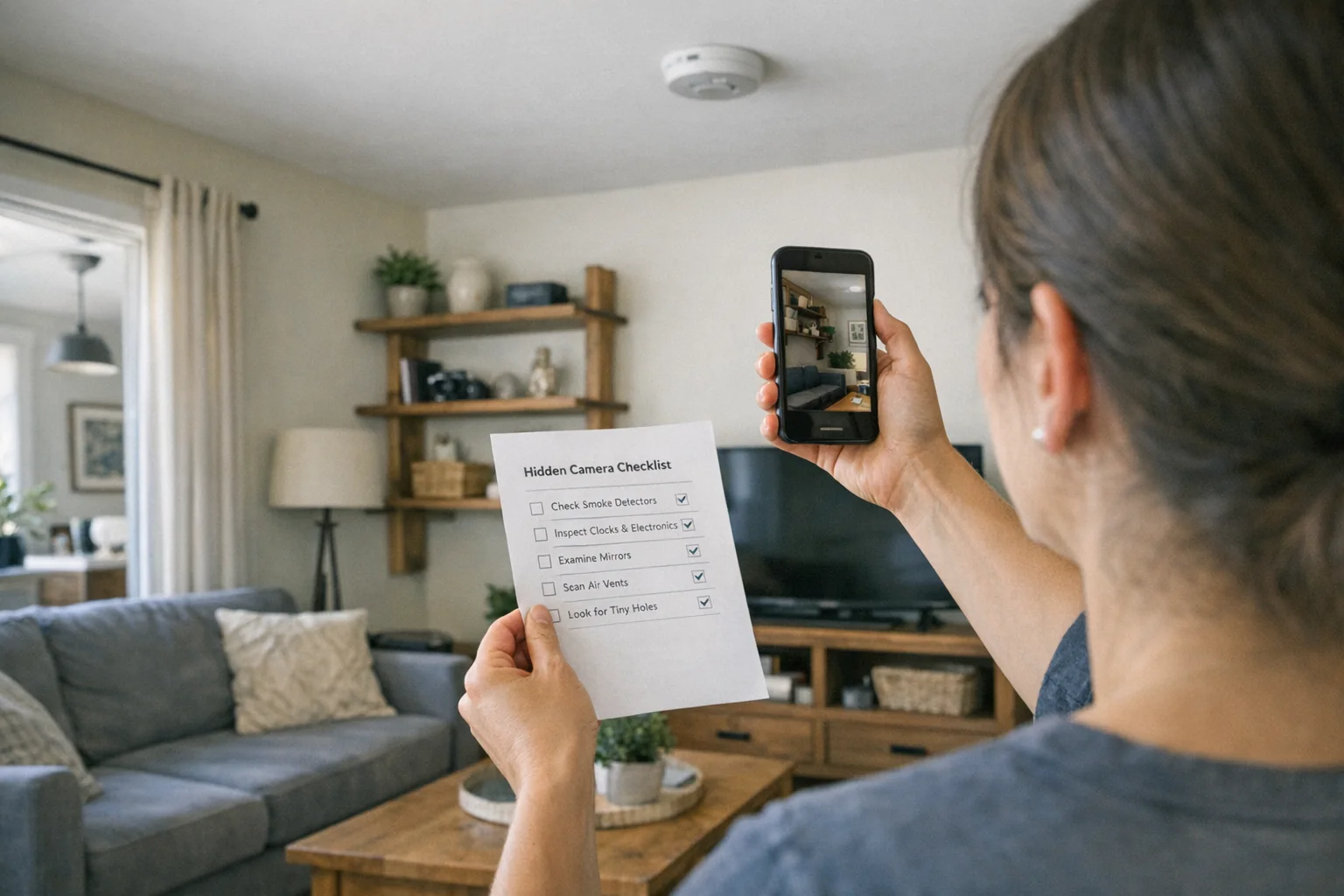
Best Hidden Camera Detector Apps (2026): iPhone & Android
The best hidden camera detector apps for iPhone and Android — what they find, what they miss, and when to upgrade to dedicated hardware.
Read guide
Workplace Surveillance Detection in Your Home Office (2026)
Methods to identify covert workplace monitoring at home, from software logs to unusual network activity and hidden devices, while protecting your privacy.
Read guide
How to Find Hidden Cameras with iPhone and Android (2026)
Use your iPhone or Android to detect hidden cameras with built-in tools. Step-by-step: flashlight sweep, IR check, WiFi scan, and when to upgrade to gear.
Read guide