Best Hidden Camera Detector Apps (2026): iPhone & Android
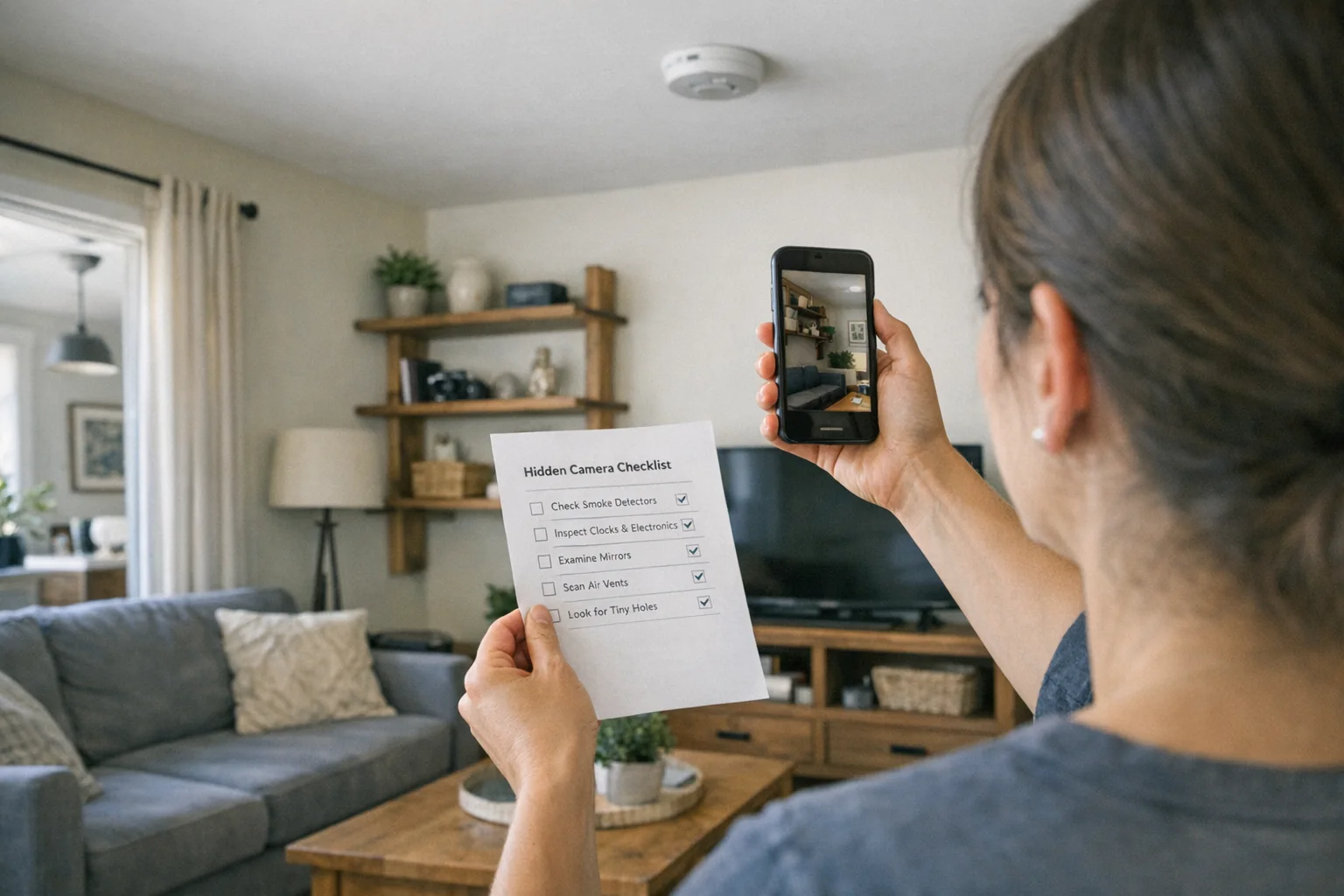
Disclosure: This page contains affiliate links. We may earn a commission at no extra cost to you. We only recommend products we've tested or thoroughly researched. Full disclosure.
Need the full method stack? Start with our How to Find Hidden Cameras: Complete 2026 Detection Guide, then use this page for scenario-specific steps.
If you’re searching for a spy camera detector app, you’re not alone. These apps are cheap, fast, and promise instant peace of mind. The problem: app stores are flooded with low-quality scanners that overpromise and underperform.
This guide reviews the best options for iPhone and Android, shows what each app can realistically detect, and explains when you need to upgrade to a real hidden camera detector.
Quick Verdict: Apps Help, But They Don’t Replace Real Gear
Use apps to find suspicious Wi-Fi devices, guide a lens sweep, and spot infrared light. They cannot detect cameras that are wired, powered off, or recording to micro-SD cards.
Best strategy: app scan first -> manual inspection -> upgrade to hardware if risk is high.
Best Spy Camera Detector App Picks (2026 Roundup)
How we tested and scored apps: We evaluated each app across five criteria: network detection usefulness, sensor signal quality, false-positive rate, UI clarity, and ad/paywall intrusiveness. Scores reflect practical sweep reliability, not marketing claims. We treated apps as first-pass tools and penalized products that produced repeated false alerts.
Screenshots are intentionally deferred in this version. This roundup focuses on workflow utility and limitations by platform.
Fing - Network Scanner (iOS + Android)
Best for: discovering unknown devices on Wi-Fi. Fing is the most reliable way to list connected devices and flag camera-like vendors.
Limitations: does not detect offline cameras or lenses. Use it as a network audit tool, not a detection guarantee.
Hidden Camera Detector (iOS)
Best for: guided scan workflows that combine magnetic field alerts and basic lens assistance.
Limitations: sensor noise creates false positives, especially in electronics-heavy rooms.
Spy Hidden Camera Detector (iOS)
Best for: quick infrared sweep prompts and checklist-style room scanning.
Limitations: limited precision. Use this to organize your sweep, not to confirm devices.
Glint Finder (Android)
Best for: flashlight + camera reflection workflows that help you spot lens glints.
Limitations: no RF or network intelligence. Requires slow, careful scanning.
DontSpy 2 (Android)
Best for: RF signal spikes and basic magnetic field alerts. Handy in low-noise rooms.
Limitations: high false-positive rate near routers, speakers, and smart TVs.
Hidden Camera Detector (LSC) (Android)
Best for: quick multi-sensor sweep when you want a single dashboard view.
Limitations: generic UI and minimal filtering. Expect noise.
App Comparison Table
| App | Platform | Price | Best At | Main Limits | Our Rating |
|---|---|---|---|---|---|
| Fing | iOS + Android | $0-$4.99 | Network device discovery | No offline camera detection | 7/10 |
| Hidden Camera Detector (iOS) | iOS | $0-$3.99 | Guided scan flow | Sensor noise, ads | 6/10 |
| Spy Hidden Camera Detector | iOS | $0-$2.99 | IR sweep workflow | Low precision alerts | 5/10 |
| Glint Finder | Android | $0 | Lens reflection help | No RF scanning | 6/10 |
| DontSpy 2 | Android | $0 | RF + magnetometer | False positives | 5/10 |
| Hidden Camera Detector (LSC) | Android | $0-$2.99 | Multi-sensor sweep | Noisy results | 5/10 |
What Apps Can (and Can’t) Detect
Apps can help with:
- Wi-Fi device discovery (network scanners like Fing)
- Infrared light spotting (night-vision LEDs visible on many Android cameras)
- Lens reflection assistance (camera + flashlight workflows)
Apps cannot detect:
- Offline cameras recording to SD cards
- Wired cameras with no wireless signal
- Well-hidden pinhole lenses without a slow, manual sweep
If you need reliable coverage, use a phone workflow + hardware detector. Start with the quick app sweep, then use a dedicated detector for real confidence.
Manual Method Counterpoint (Still the Most Reliable)
Apps are useful, but your manual sweep is what actually finds cameras. Use the 10-minute workflow in our phone detection guide and combine it with:
- Flashlight lens sweep at eye level
- Mirror checks (fingertip test)
- Physical inspection of outlets, vents, chargers, clocks
If you want a deeper comparison of methods, see detection methods compared.
Upgrade: When Apps Aren’t Enough
If you’re traveling, staying in rentals, or have privacy concerns, apps alone are not enough. A dedicated RF + lens detector covers the gaps apps miss.

JMDHKK K18+
Best App-to-Hardware Upgrade
Adds RF scanning and a lens finder so you can detect offline cameras and hidden lenses.
- RF scanning
- Lens finder
- Magnetic field detection

SpyFinder Pro
Best Premium Upgrade
Higher sensitivity and stronger build quality for frequent travelers or repeated sweeps.
- Higher RF sensitivity
- Lens finder mode
- Travel-ready hard case
Want more hardware options by budget? See our best hidden camera detectors comparison.
FAQ
Do spy camera detector apps actually work?
They can help with network scans and infrared spotting, but they miss offline cameras. Use apps as a first pass, not a final answer.
What’s the best spy camera detector app for iPhone?
The most effective iPhone approach combines a network scanner + flashlight sweep. Apps can guide your workflow, but the lens reflection technique is more reliable than sensor alerts.
What’s the best spy camera detector app for Android?
Android phones can often see infrared light better than iPhones, which makes IR sweeps more useful. Still, expect false positives and validate with a manual search.
Are free apps good enough?
Free apps are fine for quick checks. If you’re in a high-risk environment, upgrade to a dedicated detector to cover offline and wired cameras.
Bottom Line on Spy Camera Detector Apps
A spy camera detector app is a cheap, fast way to run a first sweep, but it is not reliable enough for high-stakes privacy protection. Use a spy camera detector app to flag suspicious signals, then finish the job with a manual inspection and a dedicated detector when needed.
Smart Picks
Smart Picks for This Guide
We curated this short shelf from high-performing recommendations for faster buying decisions.
SpyFinder Pro
Most accurate lens detection
Best when you need confident detection of hidden wired and non-transmitting devices.
- Consistent lens performance
- Clear pass/fail indicator
- Strong build quality
JMDHKK K18+
Most complete detection method
Four detection modes for quick room sweeps in hotels, Airbnbs, and rentals.
- RF + lens + magnetic + audio
- Affordable
- Simple sensitivity controls
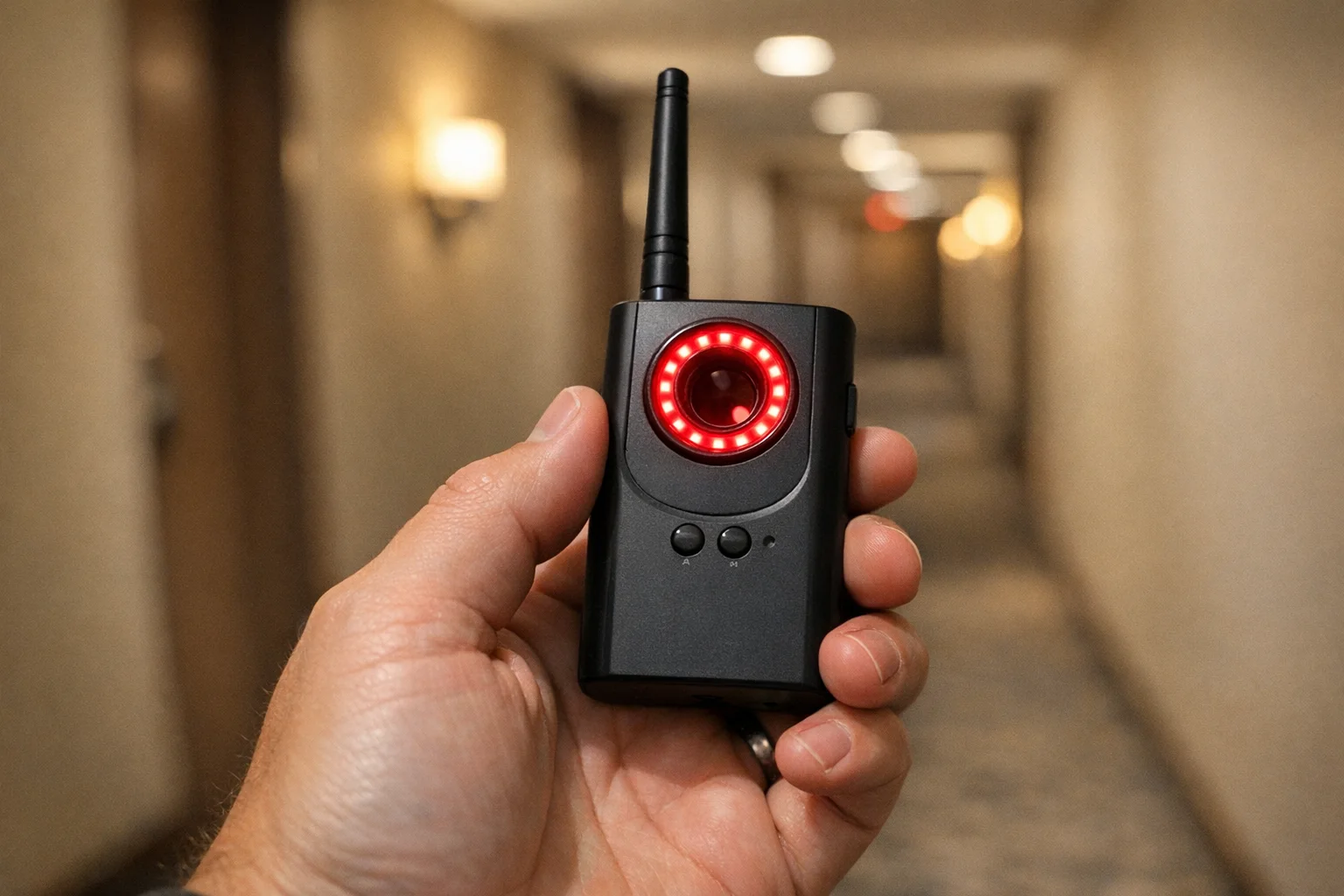
Navfalcon 2025 RF Detector
Best value RF upgrade
Higher sensitivity for RF-focused scans and fewer misses on battery-powered units.
- Improved RF filtering
- Longer scan reach
- Budget-sensitive option
We earn commissions from qualifying Amazon purchases. Full disclosure.
Get the free checklist
Printable hidden camera detection checklist + gear deals. Free, no spam.
Free updates. Unsubscribe anytime.
Frequently Asked Questions
Do spy camera detector apps actually work?
What is the best spy camera detector app for iPhone?
What is the best spy camera detector app for Android?
Can apps find cameras that are turned off?
Are free spy camera detector apps good enough?
When should I buy a real hidden camera detector?
What to Do Next
Related Guides

Workplace Surveillance Detection in Your Home Office (2026)
Methods to identify covert workplace monitoring at home, from software logs to unusual network activity and hidden devices, while protecting your privacy.
Read guide
How to Find Hidden Cameras with iPhone and Android (2026)
Use your iPhone or Android to detect hidden cameras with built-in tools. Step-by-step: flashlight sweep, IR check, WiFi scan, and when to upgrade to gear.
Read guide
How to Find Leftover Surveillance Devices in a New Home
Learn a complete sweep workflow for new spaces to find hidden cameras and trackers, verify suspicious devices, and act safely within your legal rights.
Read guide